Home Screen Icons Missing on Android
Problem
Section titled “Problem”When an app is installed on an Android device, the shortcut is not placed on the home screen or the shortcut is for the CapaInstaller Agent instead of the installed app.
In Android, the launcher app on the device handles home screen icons. Until Android 8, an Android function let apps create, edit, and delete home screen icons. Google deprecated it because it was a security problem: any app could create and delete icons for other apps.
From Android 8, the launcher handles home screen icons instead of Android itself. The standard Android launcher supports this (tested on Android 8, 9, and 10).
How the home screen icon is created also depends on whether the device is enrolled as Samsung KNOX (device admin), Device Owner, or Profile Owner.
Vendors such as Samsung, Huawei, and Nokia install their own launchers, and these launchers have different features.
Solution / Workaround
Section titled “Solution / Workaround”There’s no single solution, because the behavior depends on the device and its launcher. Test on the device models you use to see how they behave.
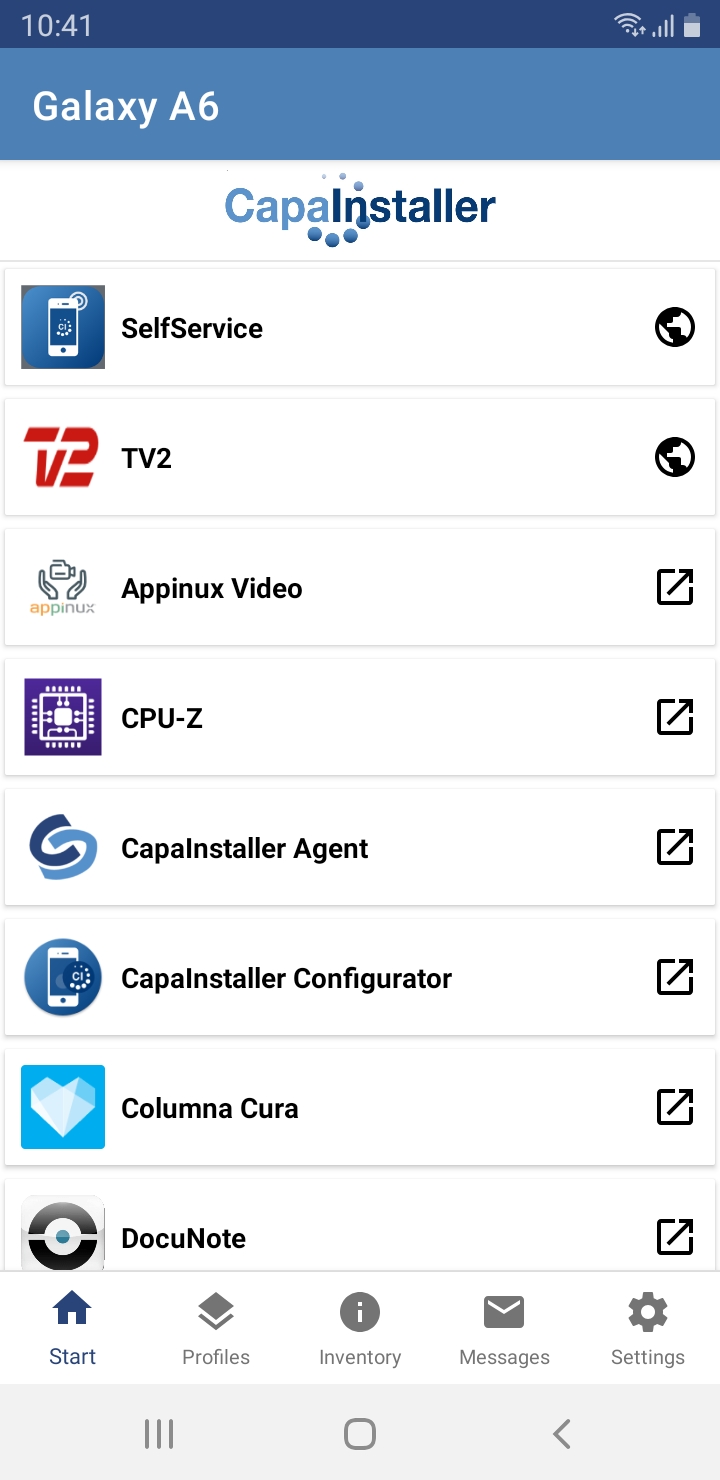
You can try another launcher. Or use the Start tab in the CapaInstaller Agent app: tap a web clip or an app in the list to open it.