

OS Deployment servers
The following is a description of an OS Deployment server, its purpose and functionality. The CapaInstaller OS Deployment server contains the components shown in the illustration below.
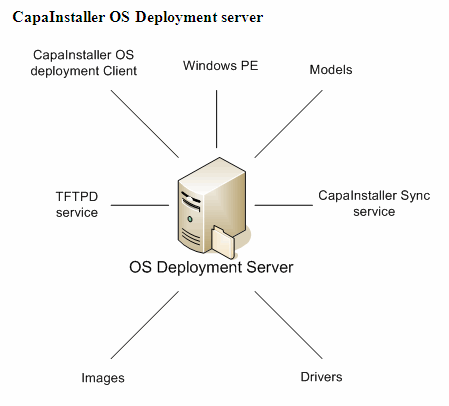
| Element | Description |
| CapaInstaller OS Deployment client | For further details, OSD client process. |
| Windows PE | For further details, WinPE. |
| Models | For further details, Models. |
| TFTPD service | The TFTPD service handles Windows PE download requests. |
| Images | For further details, Images. |
| Drivers | For further details, Drivers. |
| CapaInstaller sync service | The CapaInstaller synchronization service updates the OS Deployment server components at regular intervals. When an update is performed, the server is updated with the latest configuration and modules from the OS Deployment point. |
Field descriptions
Section titled “Field descriptions”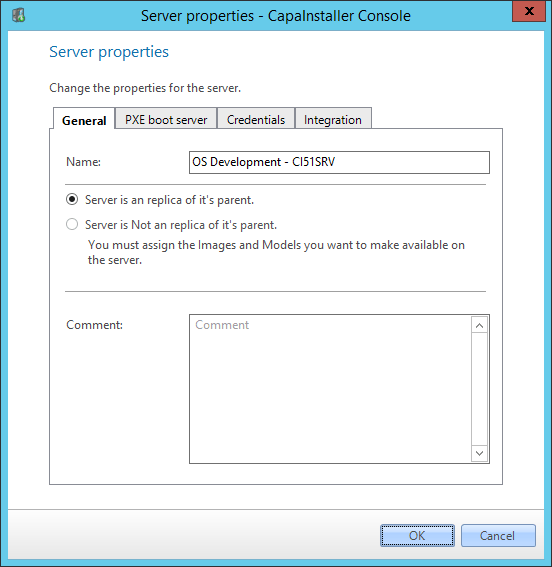
| Element | Description |
| Name | Specify a name for the CapaInstaller OS Deployment server. |
| Replica | Specify whether the server is a replica of its parents or not. If you choose Server is not a replica of its parent, you have to assign the images and models you want on the server with Image and Model assignment… |
| Change description | Enter a custom description that will be added to the change log. |
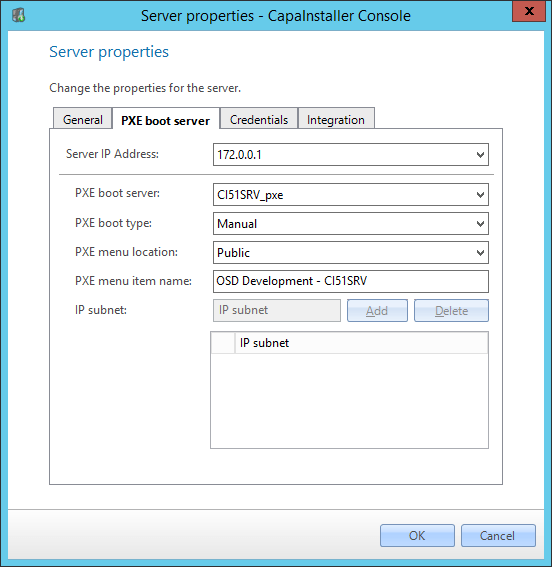
| Element | Description |
| Server IP Address | Select the IP address you wish to configure, this refers to the network interface, allowing OSD servers to handle boot on one or more network interfaces. |
| PXE boot server | The PXE server that will allow client to boot OSD from this interface |
| PXE boot type | The type of boot OSD will provide for this interface Manual, display a menu allow to user to select between several options IPSubnet, control which OSD server the client is booted from using IP ranges |
| PXE menu location | Public, the normal menu everybody can see Admin, the menu only displayed when using special key during the PXE boot |
| PXE menu item name | The text identifying this specific interface in the PXE boot menu |
| IP subnet | The IP ranges linked to this interface, any client booting from such a range will be directed to the selected interface during boot. |
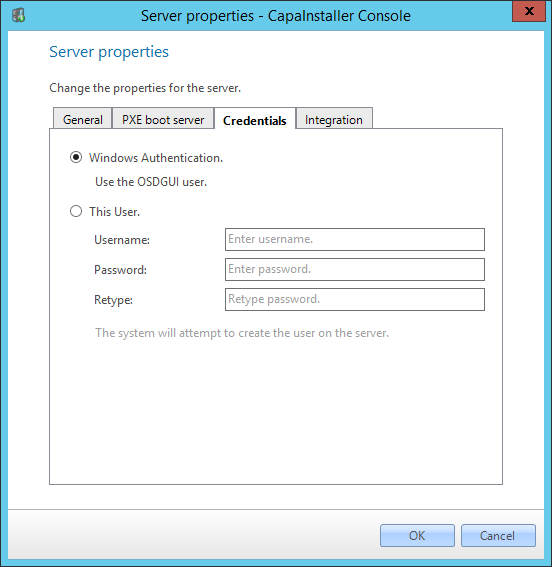
| Element | Description |
| Credentials | Specify the credentials to use when accessing the OSD Server from OSDGUI. |
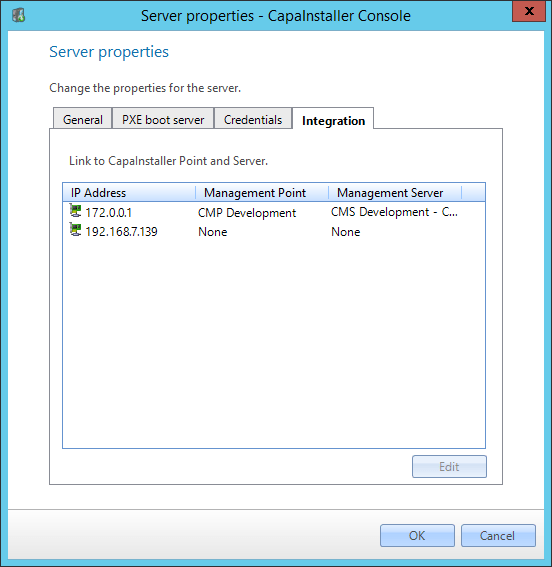
| Element | Description |
| IP Address | The IP address identifying the interface |
| Management Point | The Management Point that clients/Agents will be integrated to during deployment |
| Management Server | The Management Server that clients/agents will be integrated to during deployment |
Right-click options
Section titled “Right-click options”Right-clicking a deployment server gives you the following options:
| Element | Description |
| Create OS Deployment Server | Opens the Create New Deployment Server dialog. |
| Update now… | Sends a request to “Update OS Deployment Server now”. All components and configurations will be synchronized with the server from the OS Deployment point. 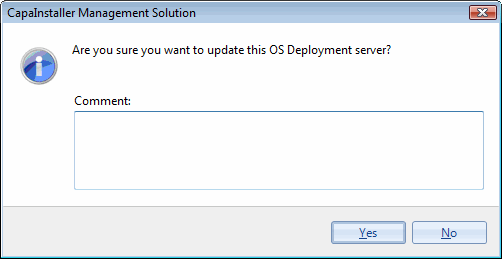 |
| Synchronization scheduling… | Sets when the server is synchronized with the OS Deployment point. |
| Image and Model assignment… | Selects the images and models that are available on the server. Shown for servers that aren’t replicas of their parent. |
| Open in Windows Explorer | Opens the server’s share. |
| Delete | Deletes the selected server. 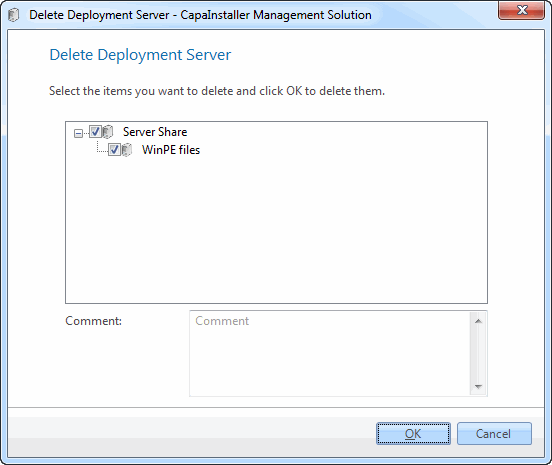 |
| Properties | Displays the properties for the server. For a detailed description of the individual fields, see above. |
| Capture Mode | Enabling or disabling Capture Mode of the Deployment Server, changes the security permission for the OSD Loader username from read to modify permissions. Capture Mode can only be changed on Deployment Servers, which are attached to root Deployment Points. 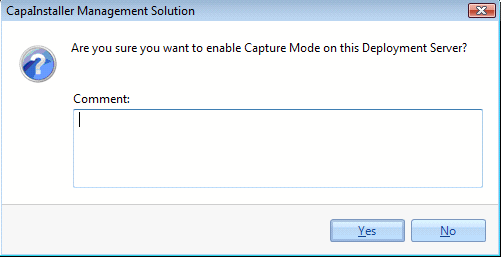 |