

Create an application group
Introduction
Section titled “Introduction”An application group is a logical group which makes it possible to collect all the software related to the same license. An application group folder is created and software is entered by a query or by linking software to the group. This can either be software from the all software group or the Citrix group. For every type of software you have, you must create an application group. After creating the licenses must be added.
| Step | Action |
| 1 | Click on the Software view. |
| 2 | Under Discovered applications, right-click on the Application groups folder, and click New application group…. 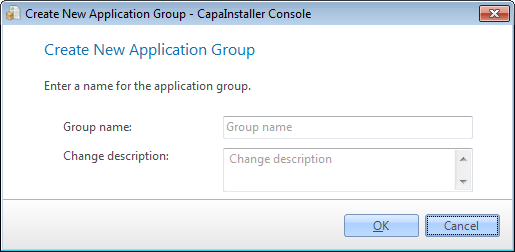 |
| 3 | Type the name of the application group and click OK. The name must be unique. |
| 4 | Click on the folder group in the tree view and you will see the properties expand in the properties area. |
Related tasks
Section titled “Related tasks”| If you want to… | You can… |
| Learn about discovered applications | Discovered applications to see how. |
| Setup group queries | Create a query to see how. |
| Add licenses | Work with application group license to see how. |
| Add metering executable | Metering executable to see how. |
| Enable metering history | Setup metering history to see how. |
| Delete a group | Right-click on the Application Group and click delete. |