Update OSD servers
This page describes how to update the boot image on all OSD servers of the selected deployment point. Do this after you have created a new boot image, so clients get the new boot image when they PXE boot.
Update the OSD servers
Section titled “Update the OSD servers”-
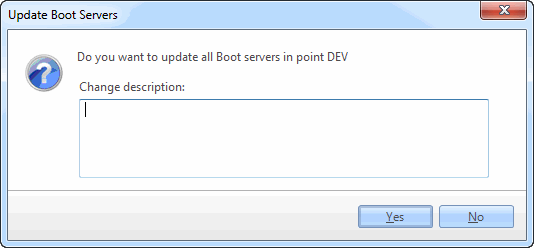
Right-click the deployment point and select Boot Image → Update OSDClient Bootfiles on all Servers….
-
Click Yes to start the update.