Remove Replicator
This page describes how to uninstall a Replicator.
-
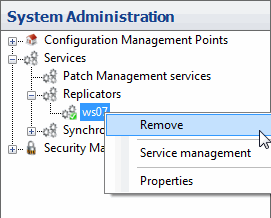
In System Administration, expand Services, right-click the Replicator, and select Remove. The Remove Replicator wizard opens.
-
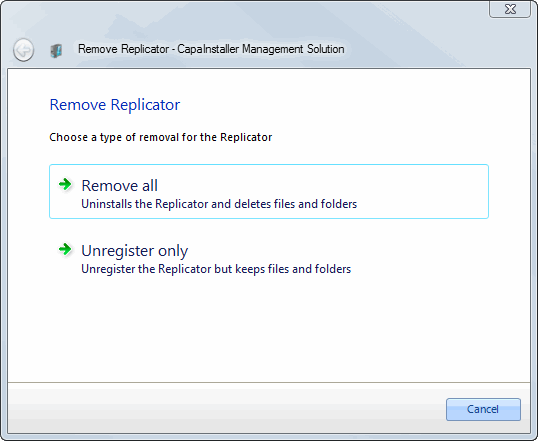
Select one of the options:
- Remove all removes the files and folders on the server and the registration of the service in the database.
- Unregister only removes the service from the database. Files and folders on the server are left unchanged. This is useful if the server was removed from the network and only exists in the database.
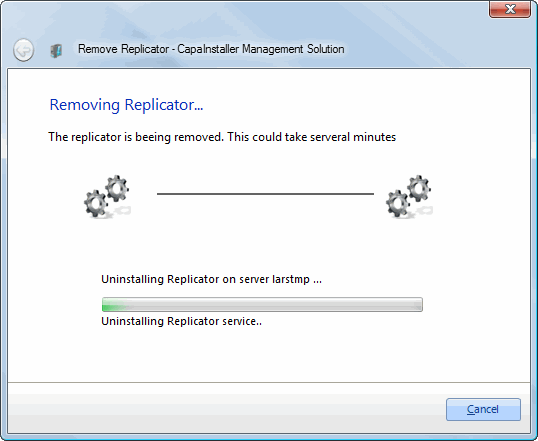
The wizard shows the progress of the uninstallation.
-
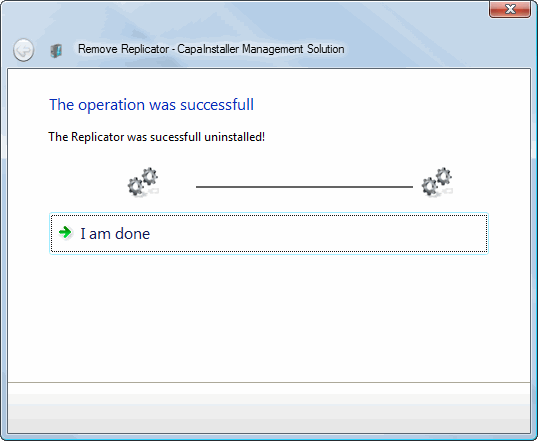
When the Replicator is removed, click I am done.