

The GUI
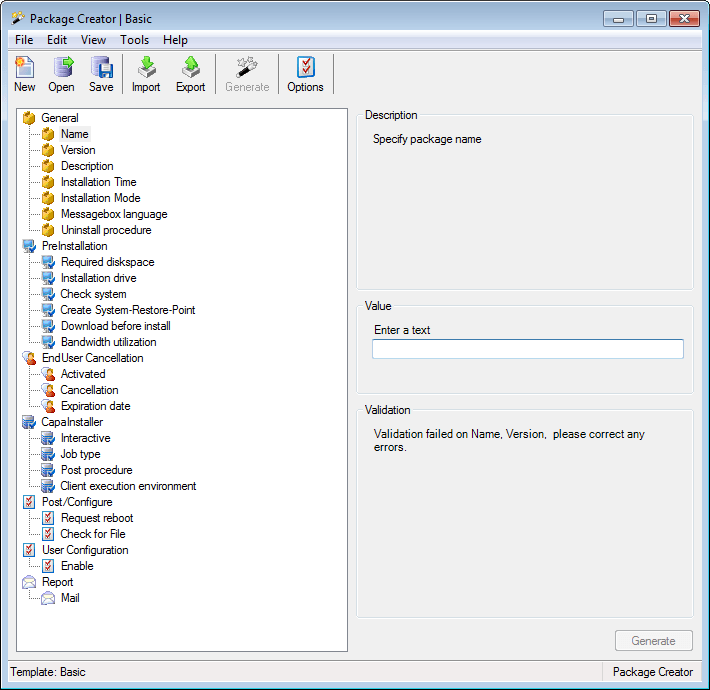
The following is a description of the main window in CIPC. It is from this screen the packages will be created.
| Element | Description |
 |
Menu Toolbar, for further detail Toolbar and menu description |
 |
Standard toolbar, for further details Toolbar and menu description. |
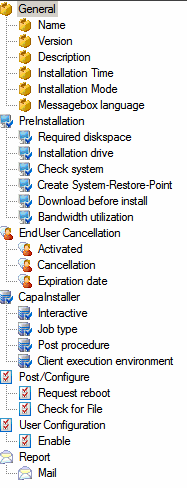 |
Tree view with the sections and items of the selected template. Press Enter to move to the next item. |
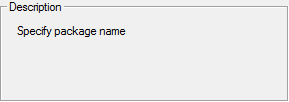 |
Description field: informs you on which data is a need in the field chosen in the tree view. |
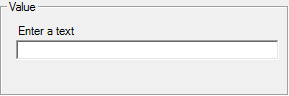 |
Value field: enter the value for the field chosen in the tree view. |
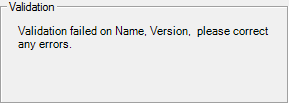 |
Validation field: lists the items that don’t have a valid value yet. Generate is available when validation is complete. |
In this section
Section titled “In this section”- Toolbar and menu description - The buttons and menu commands in the Package Creator window.
- Option menu - The settings available under Tools > Options.
- Treeview details - Each section of the tree view, from General settings to the template-specific pages.