

Scripts
The following is a description of a CapaInstaller OS Deployment script, its purpose and functionality. The CapaInstaller OS Deployment scripts can be used to customize the OS when it is deployed to a target computer. The scripts are Windows Script Files (.wsf) written in VBScript, and the OSD client runs them with wscript.exe. Each script type runs at a specific point in the installation to maximize customizability. The functions in the OSD Scripting Library are available to the scripts.
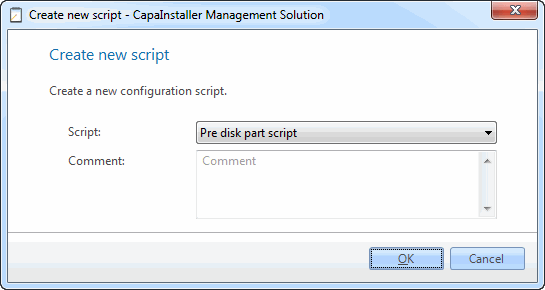
| Element | Description |
| Script | Select the script type from the list. Each OS Deployment point can hold one script of each type: Pre GUI Script, Pre Install script, Pre disk part script, Pre image script, Pre driver copy script, Pre patch script, Pre boot script, Post install script, and OSD Custom Lib. For when each script runs, see Create a new script. |
| Change description | Enter a description of the purpose of the script. It’s added to the change log. |
Right-click options
Section titled “Right-click options”Right-clicking a script gives you the following options:
| Element | Description |
| Edit script | Opens the script editor to let you customize the script. |
| Promote | Lets you promote the items on the CapaInstaller OS Deployment Point (DP) to another DP. This option is only available if a child DP has been created. Click OK to promote the script to child Deployment Point. 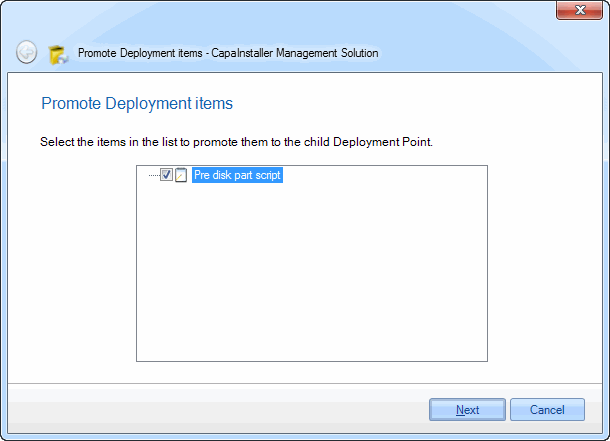 |
| Export | Exports the script to a zip file. See Use Export in OS Deployment. |
| Delete | Deletes the script. 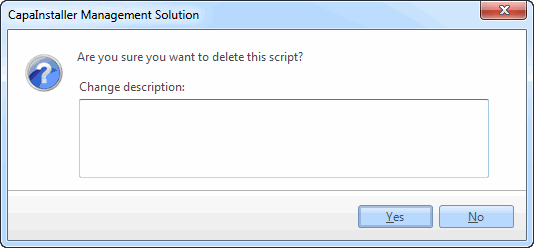 |