

Link Security Groups
A security group decides which units the members of its profiles can see and manage. You link two kinds of objects to a security group:
- Profiles, whose members get access. See Link Profiles.
- Units, groups, Business Units, and Management Servers, which decide the units the members can see. See Link Units, Link Groups to Security Group, Link Business Units to Security Group, and Link Management Servers.
All links use the same procedure:
-
In System Administration → Security Management → All security groups, right-click a security group and select Link to Servers…, Link to Profiles…, Link to Units…, Link to Groups…, or Link to Business Units….
-
In the list of available objects on the left, select the objects, and click Add ->. To unlink an object, select it in the list of linked objects on the right and click <- Remove.
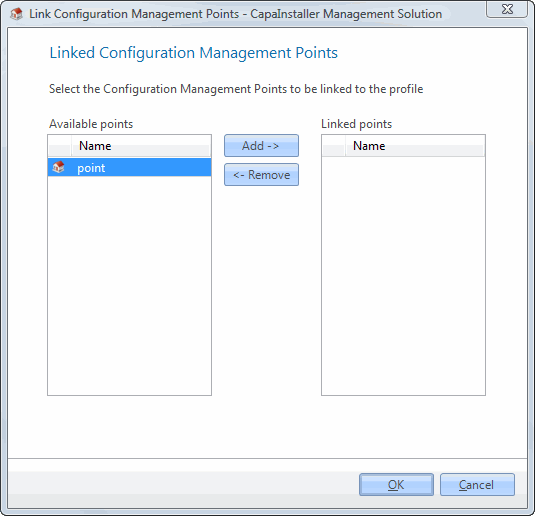
-
Click OK to save the changes.