Unhandled exception functionality
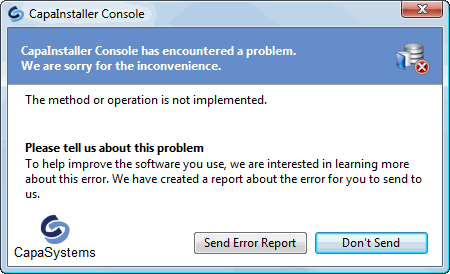
Errors may occur in situations that could not be foreseen, for example because of patch and software combinations that are unique to your environment. When an unhandled error occurs in the CapaInstaller Console, a dialog tells you that the console has encountered a problem.
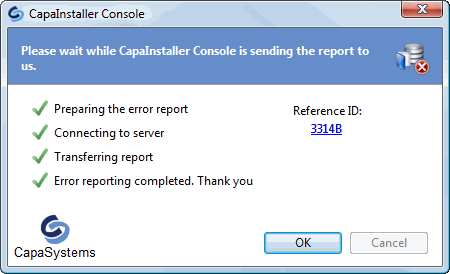
You can help resolve the problem by sending an error report. The report contains detailed information about the error, and you can add your own description of what you were doing. The report is logged in the CapaSystems Service Desk, where the error is investigated.
| Element | Description |
|---|---|
| Send Error Report | Sends the error report to CapaSystems through the internet. When the report has been sent, you get a reference ID. To get the status of the error report, contact CapaSystems Support with the reference ID. It isn’t possible to find the report without the reference ID. |
| Don’t Send | Closes the dialog without sending any information about the error. |