Deploy Patch Management Service
This page describes how to deploy the Patch Management Service.
-
In System Administration, expand Services, right-click Patch Management Service, and select Deploy Patch Management service….
-
Enter the internal and public URLs of the WSUS server. The default ports on the WSUS server are
8530for HTTP and8531for HTTPS (SSL). If this is a redeployment, select This server replaces another Patch Management Service. This makes sure that points, child points, and groups are fully synchronized.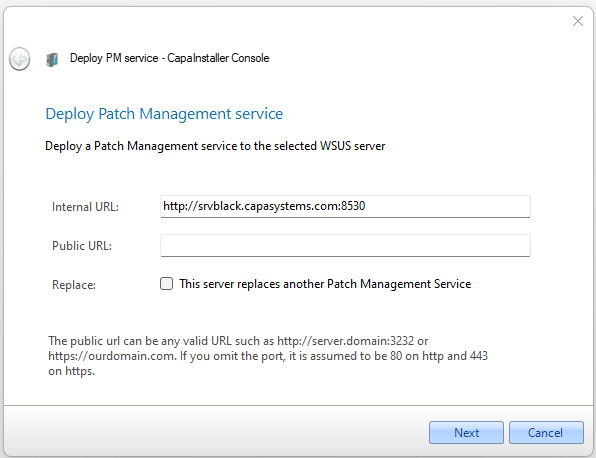
-
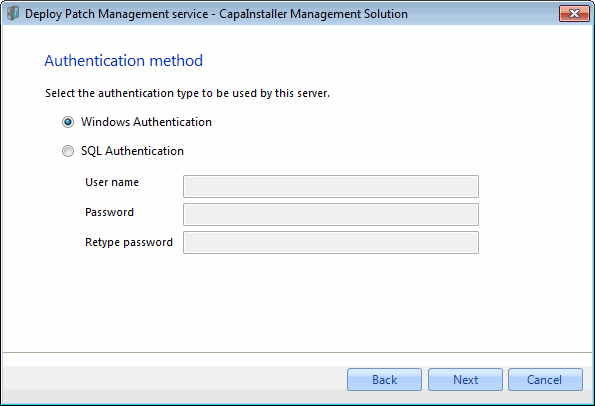
Select how the service connects to the database. Windows authentication is recommended, but you can also use SQL authentication.
-
Select how the service files and the framework files are copied to the target server, and select the source server.
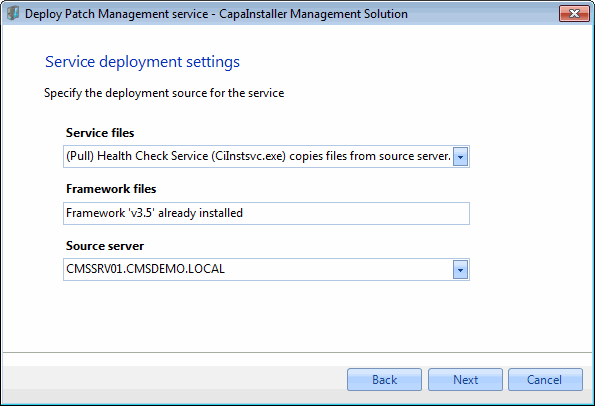
The deployment starts.
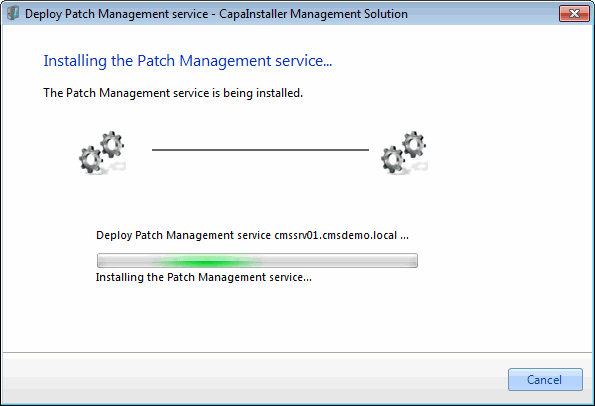
-
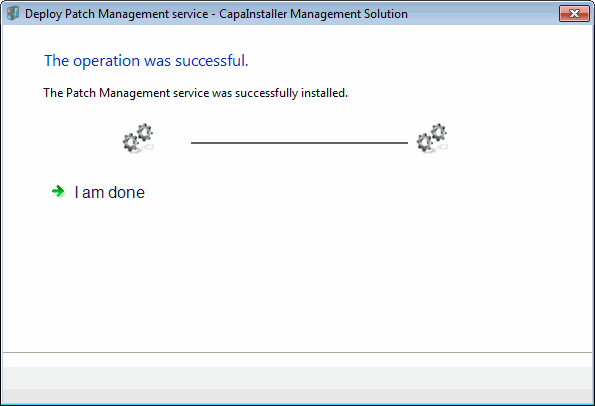
When the deployment is completed, close the wizard.