

Create a utilization view
The following is a description of how to create a utilization view in Configuration Management.
| Step | Action |
| 1 | Open Configuration Management → Views, right-click Utilization and select Add…. |
| 2 | Type a name and description 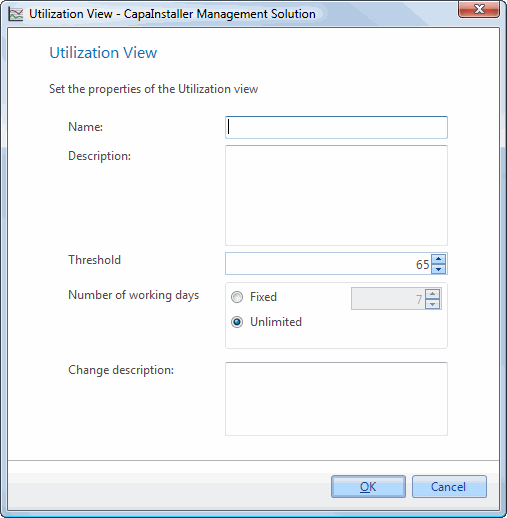 |
| 3 | Select a threshold specifying what average utilization computers must have in order to be shown in the view. |
| 4 | In Number of working days, select Fixed and enter the number of days of data the average utilization index is based on. Unlimited will cause the calculation to be based on all utilization data available on the computers. |
| 5 | Type a change description and click OK |