

Folders
The following is a description of the folders in Configuration Management. Folders are the same no matter if they contain packages, units, or groups, so this description is general for every folder in Configuration Management. Out of the box no folders are created. They can be used by the user to create another structure in the system on top of the static one, born with Configuration Management.
Field descriptions
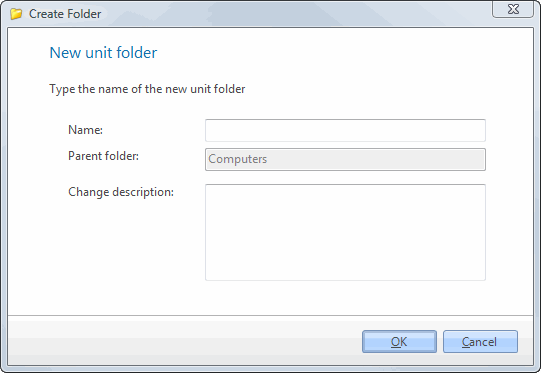
| Element | Description |
| Name | Name of the folder. |
| Parent folder | The folder or node that the new folder is created in. It is filled in from the node you right-clicked. |
| Change description | The custom comment that will be added to the changelog. |