

Column Setup
Use the Column Setup form to choose which columns are shown in the views of the Reporting and Queries plugin.
-
Select the Reporting and Queries plugin.
-
Select Tools → Column setup….
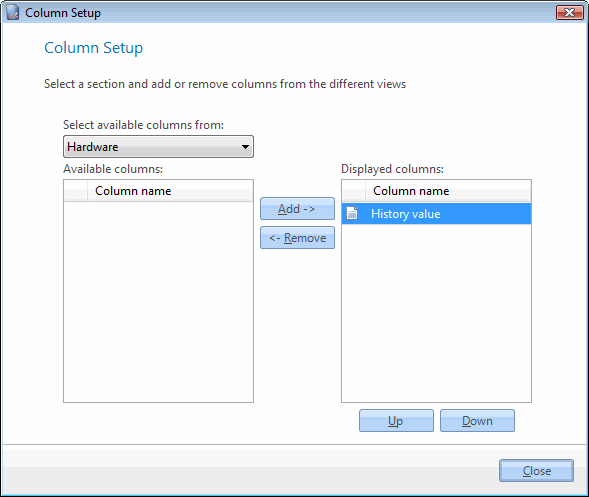
-
In Select available columns from, select the section whose view you want to change.
-
To show a column, select it in Available columns, and then select Add ->. To hide a column, select it in Displayed columns, and then select <- Remove.
-
To change the order of the displayed columns, select a column and then select Up or Down.
-
Select Close.
The views show the columns you selected.
Related tasks
Section titled “Related tasks”| If you want to… | You can… |
|---|---|
| Create a custom made report | Create a report to see how. |
| Preview a report | Preview a report to see how. |
| See recent reports | Select File → Recent reports. A list of the recently used reports is shown. |
| Export to reporting services | Deploy to reporting services to see how. |
| Change the order of the report columns | Reporting column order to see how. |
| Define report criteria | Define report criteria to see how. |
| Open an existing report | Open an existing report to see how. |