

Android Profile Owner enrollment
This article describes how to enroll an Android device as Android Profile Owner.
Android Profile Owner Info
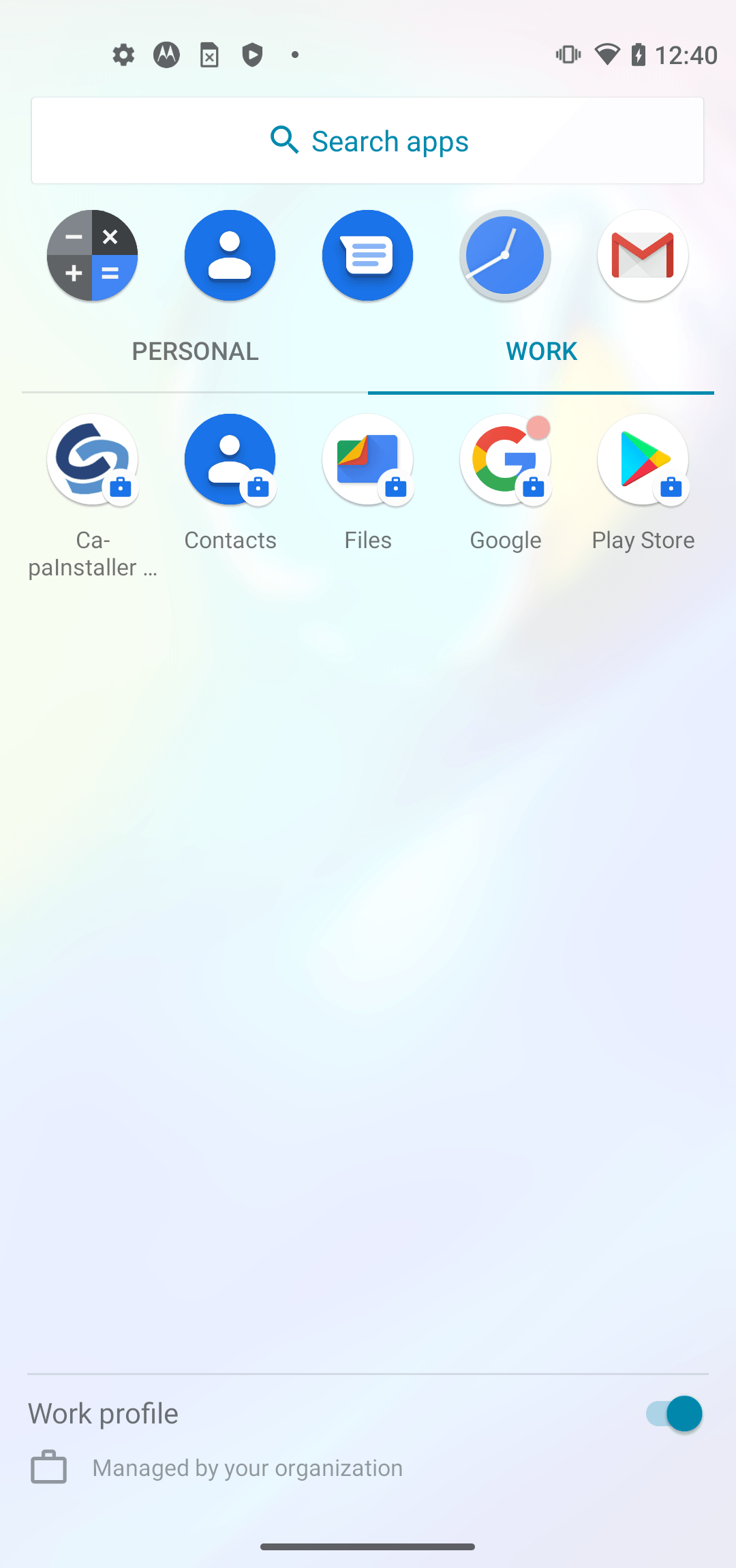
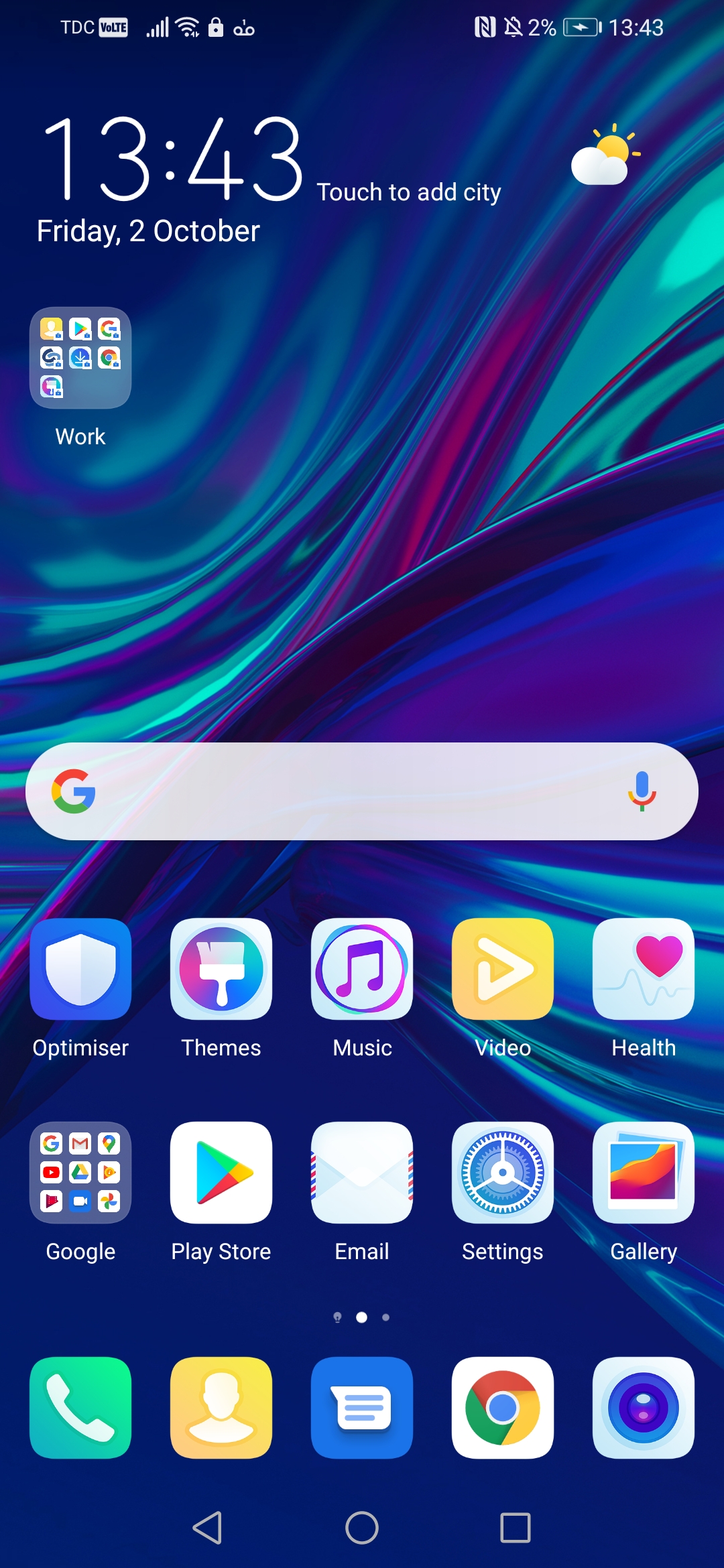
Android Profile Owner is supported on all Android devices. It is different from device to device how it is setup. the most used ways are 1. the work profile will create a new tab in the applications menu called Work 2. it will create a folder one the home screen called work
| Work Tab in the Application menu | Work folder on Home screen |
|---|---|
 |
 |
Profile Owner enrollment - URL
To enroll as a Profile Owner the device must be setup and connected to WiFi or cellular service.
NB! Make sure you download the agent from MDM Service in the enrollment configuration.
| Step | Action |
|---|---|
| 1 | Start a browser on the device an enter the URL of the enrollment configuration https://<MDM server>:<port>/cimdm/?EnrollID=<Enrollment ID> Example: https://mdm.domain.com/cimdm/?EnrollID=default |
| 2 | Click on the “Accept Terms And Enroll” Button 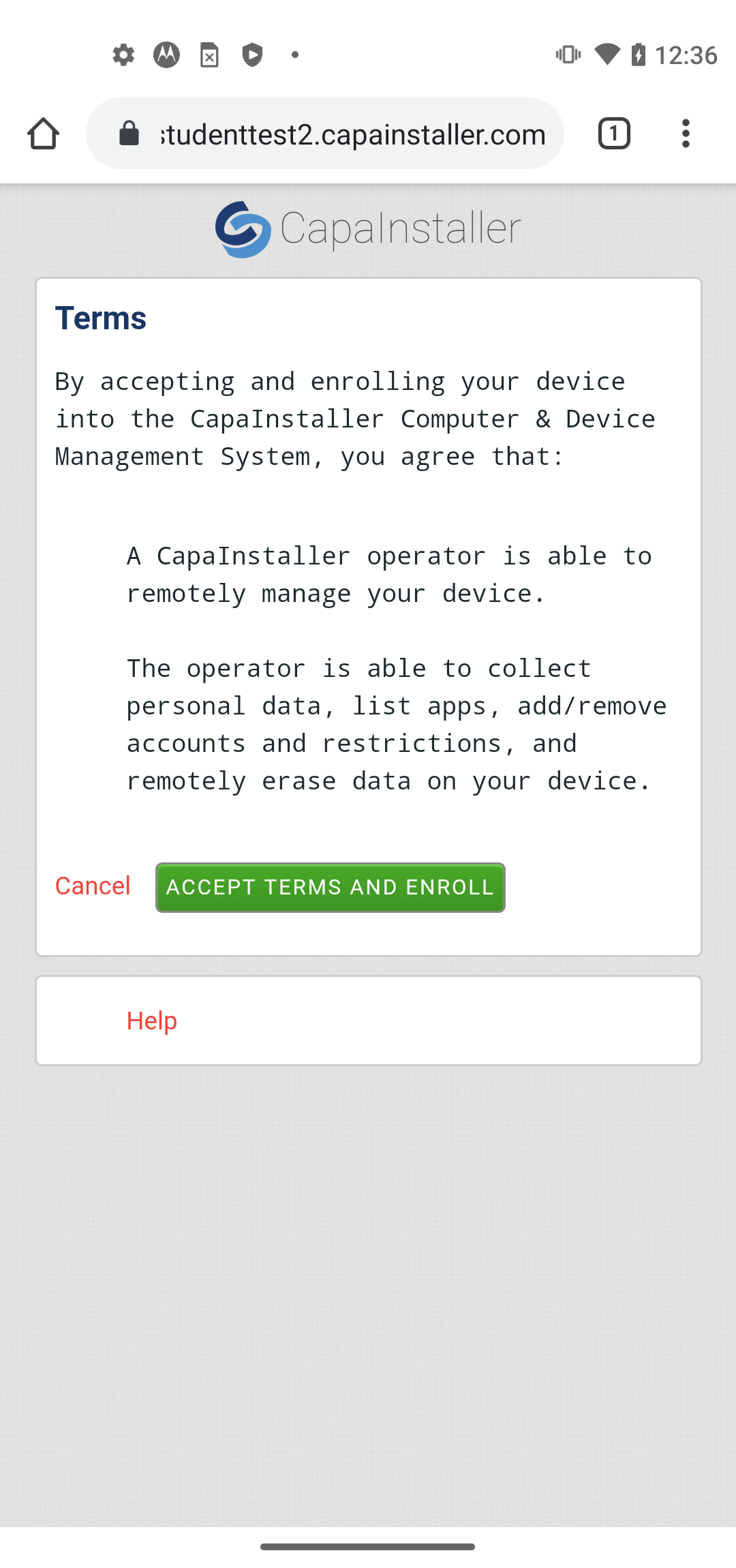 |
| 3 | Click OK. the Capainstaller agent app will start to download. 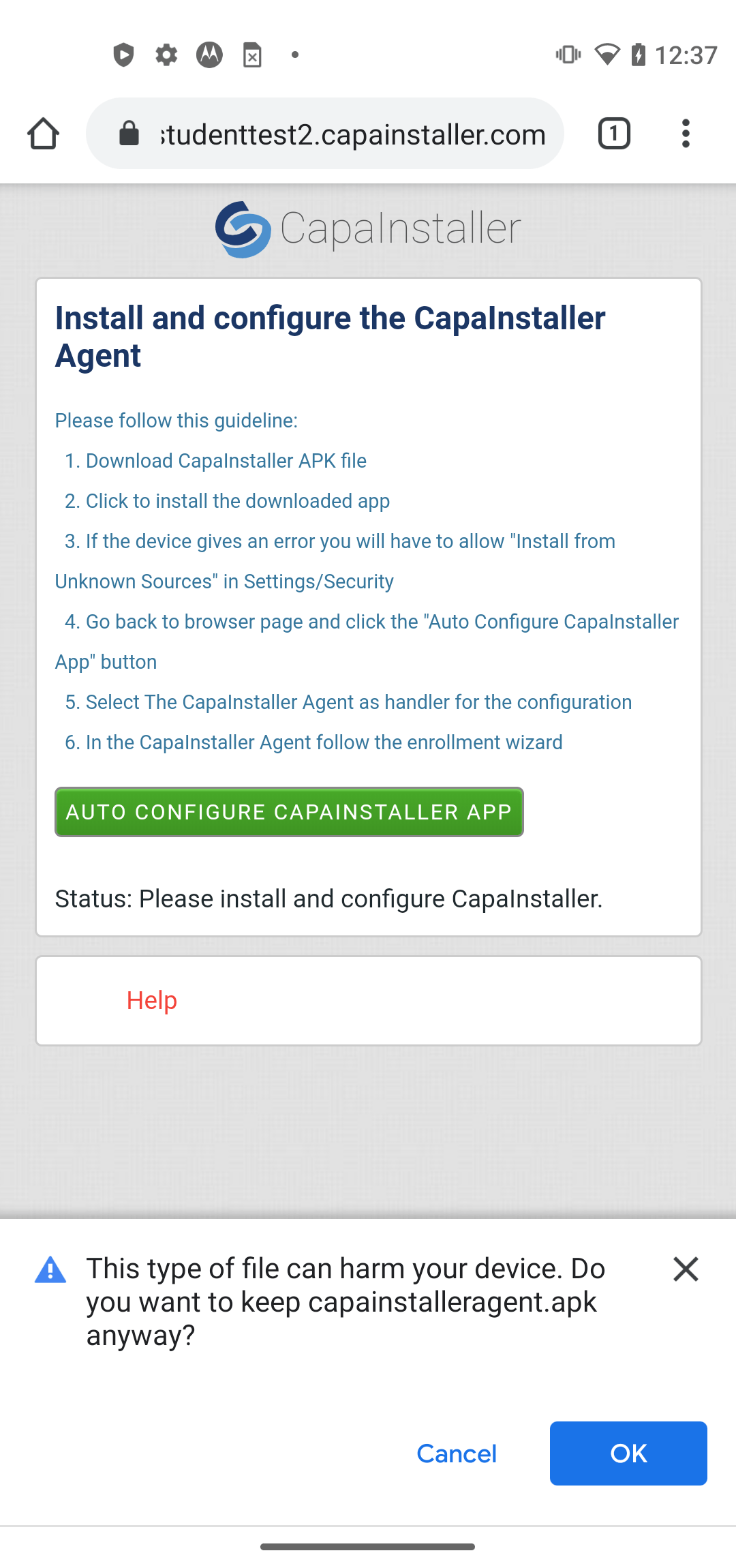 |
| 4 | click open. 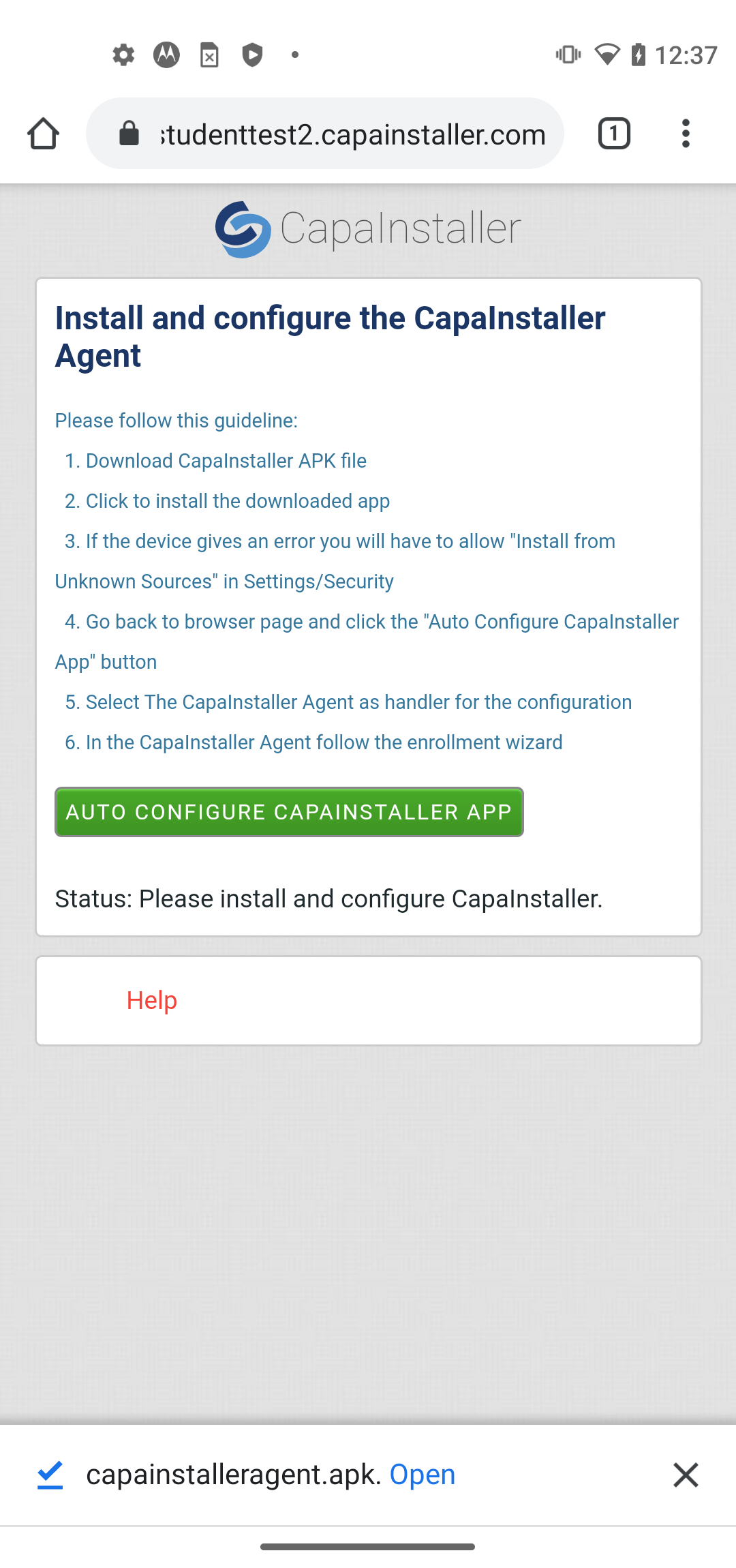 |
| 5 | Click on Settings. 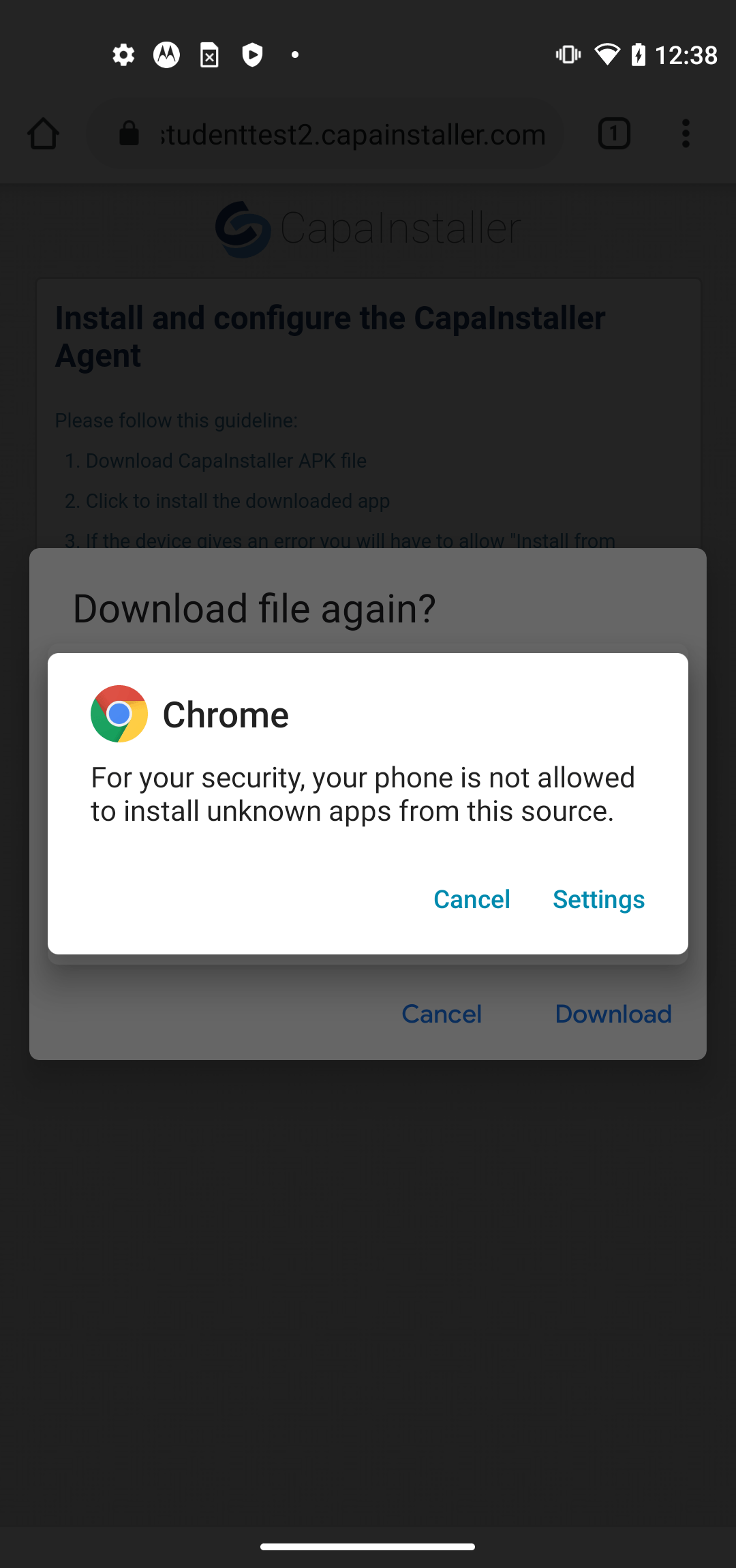 |
| 6 | Make sure that you allow files to be downloaded from your browser 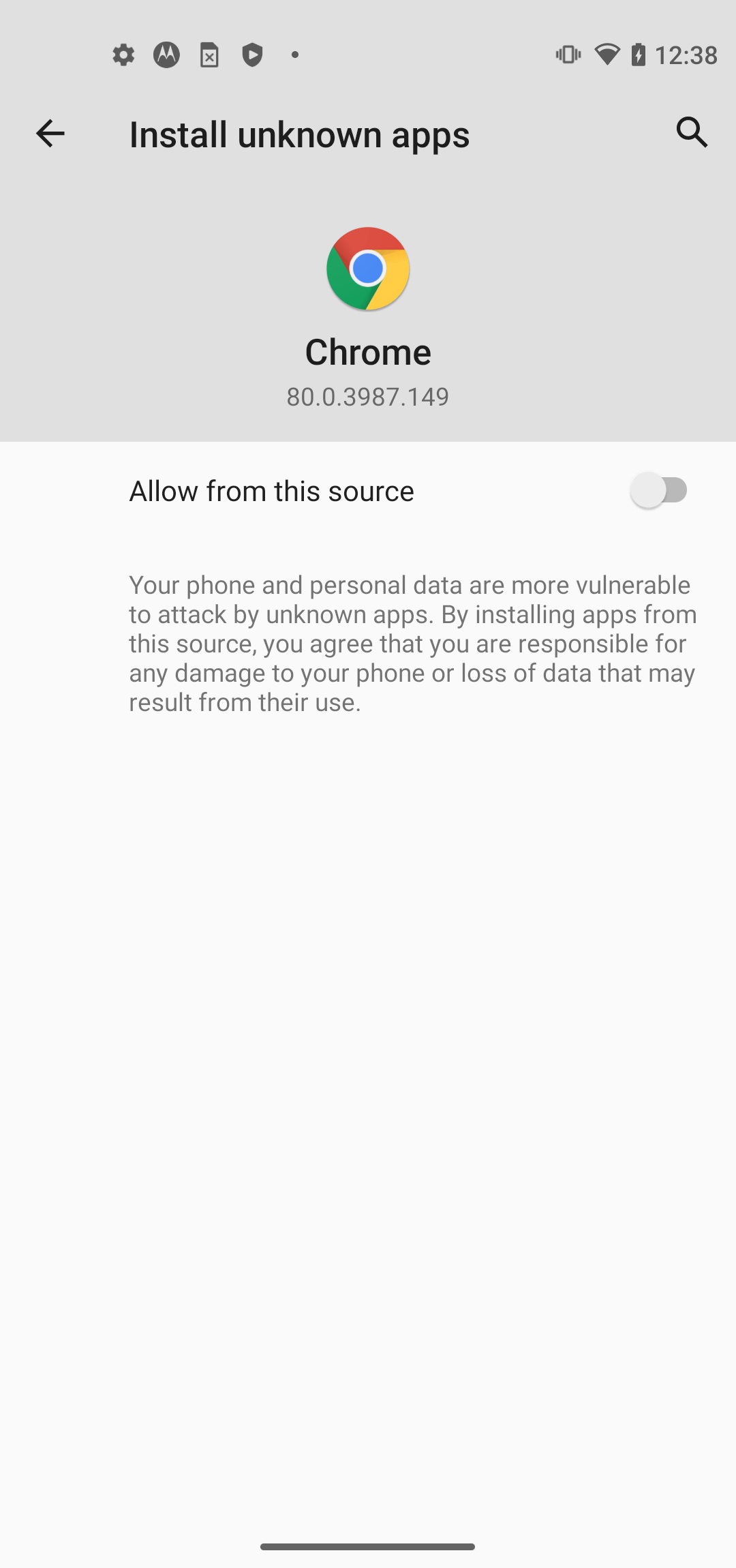 |
| 7 | Click Install. The agent will start to install itself. 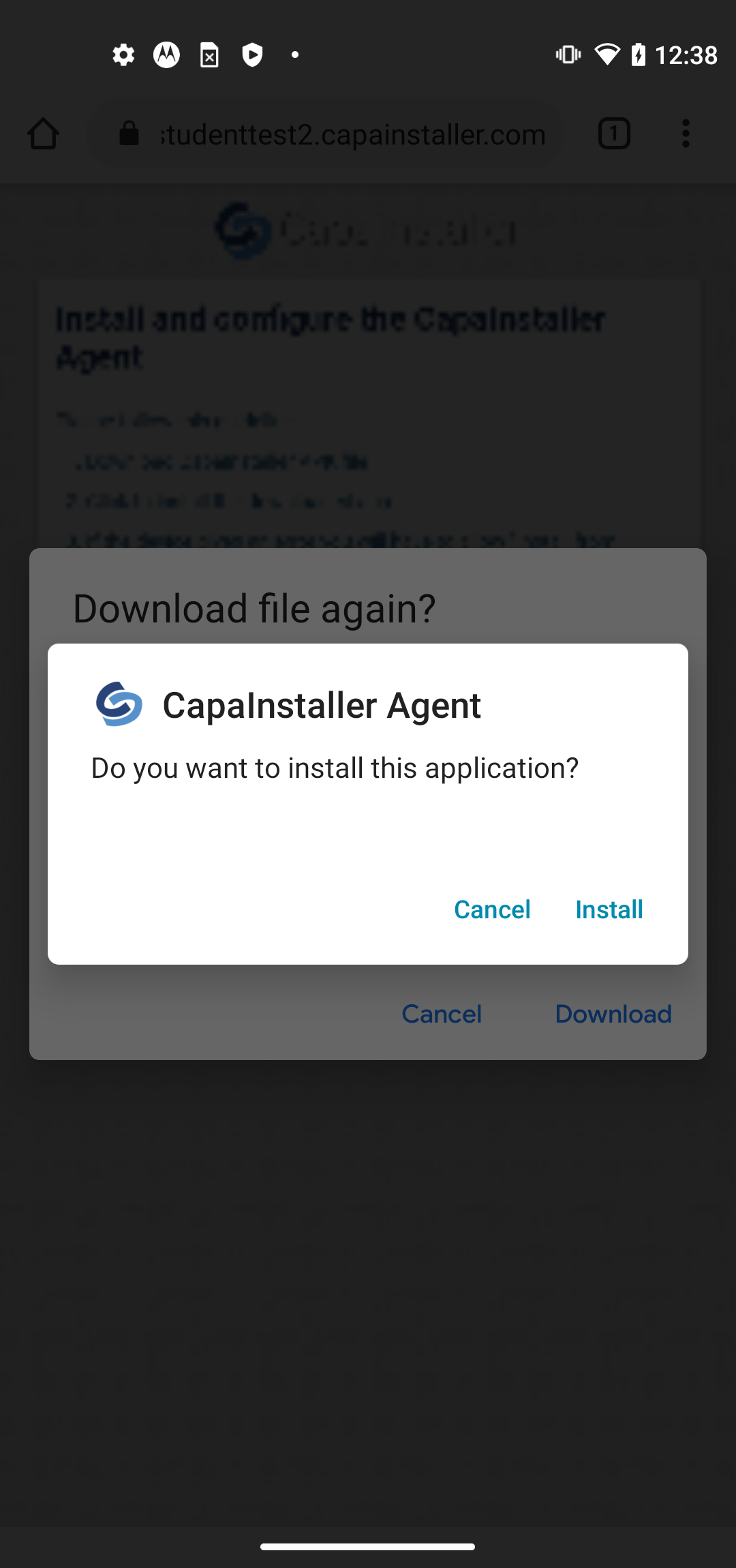 |
| 8 | Click Open. to open Capainstaller Agent App 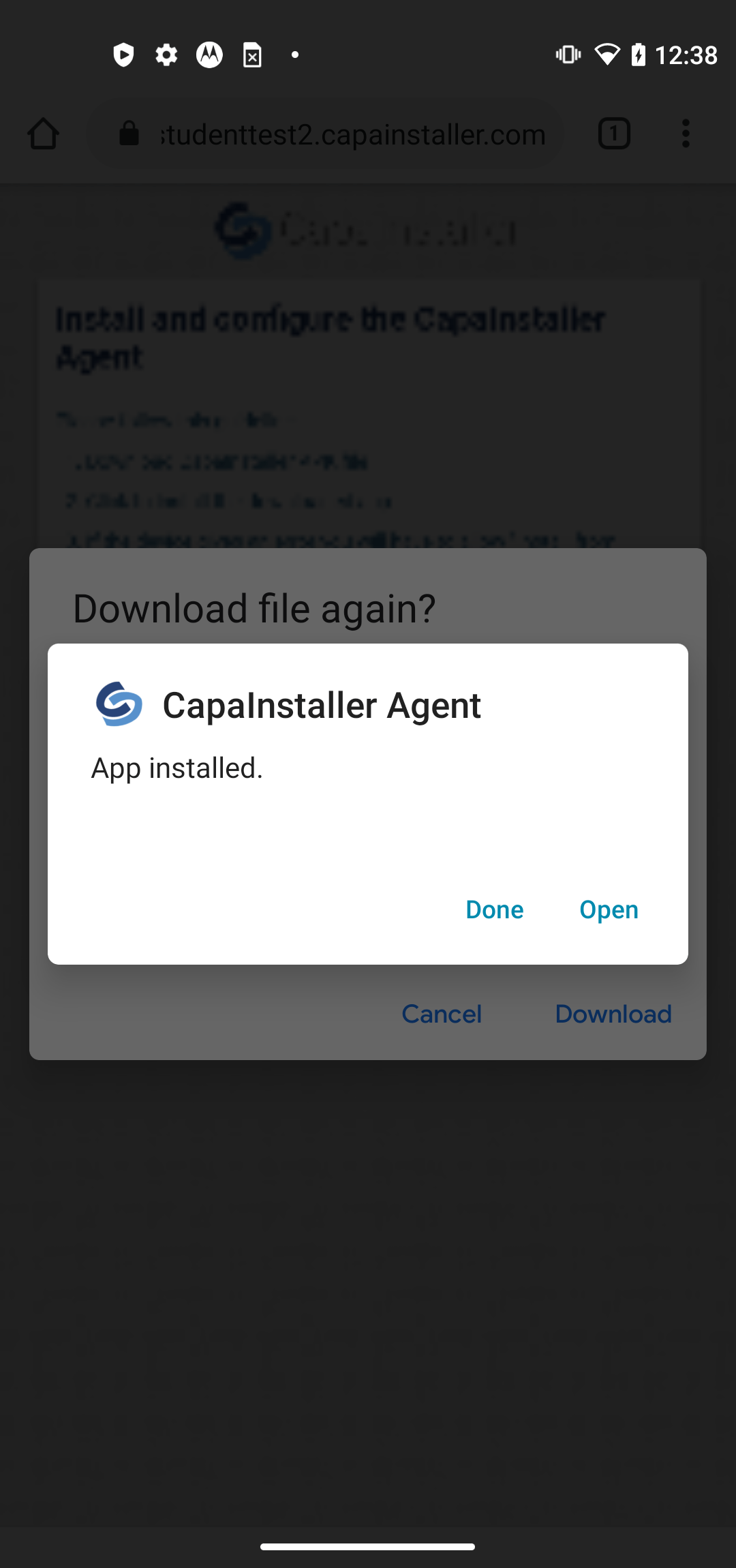 |
| 9 | When the app is open go back to your browser. 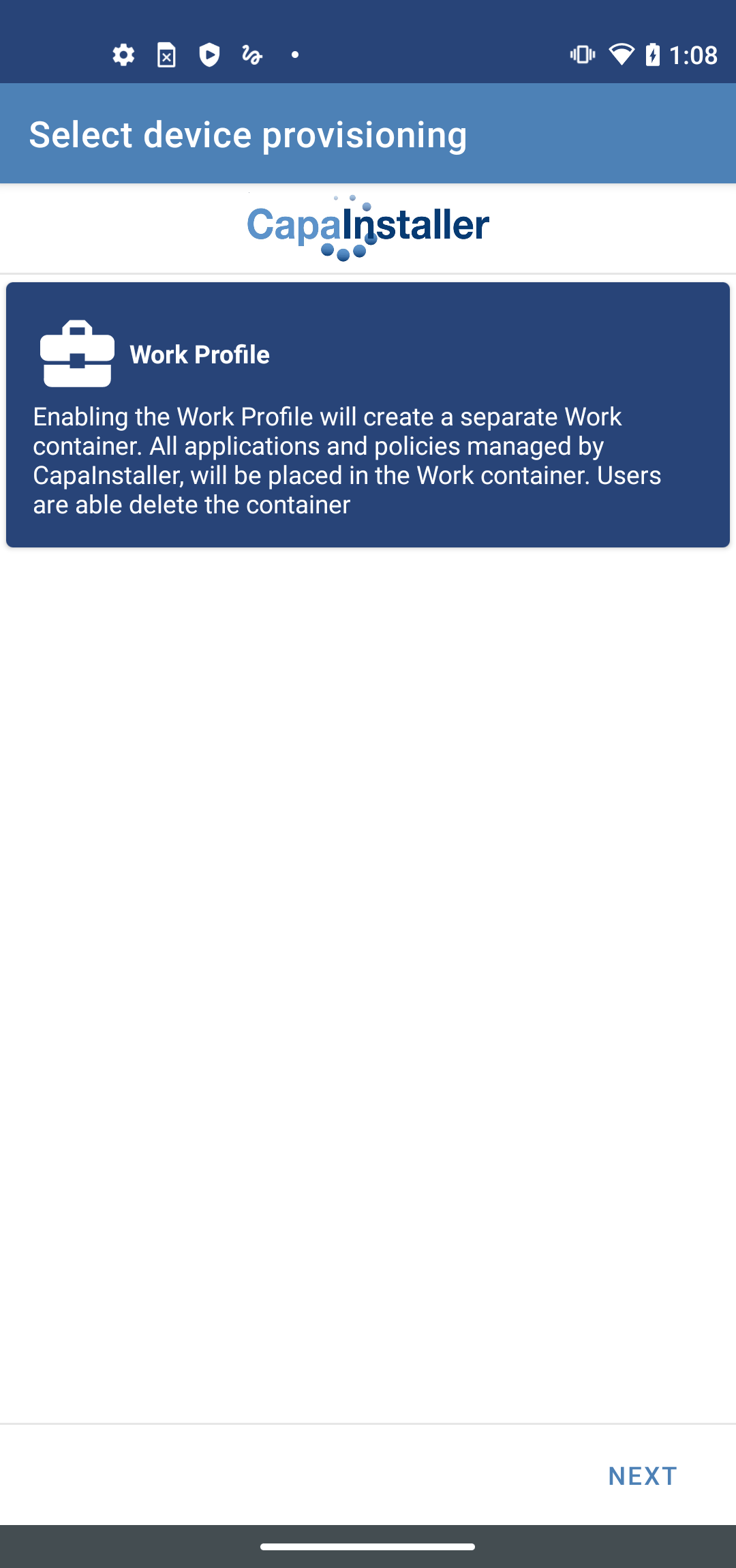 |
| 10 | Click On “Auto Configure Capainstaller App” 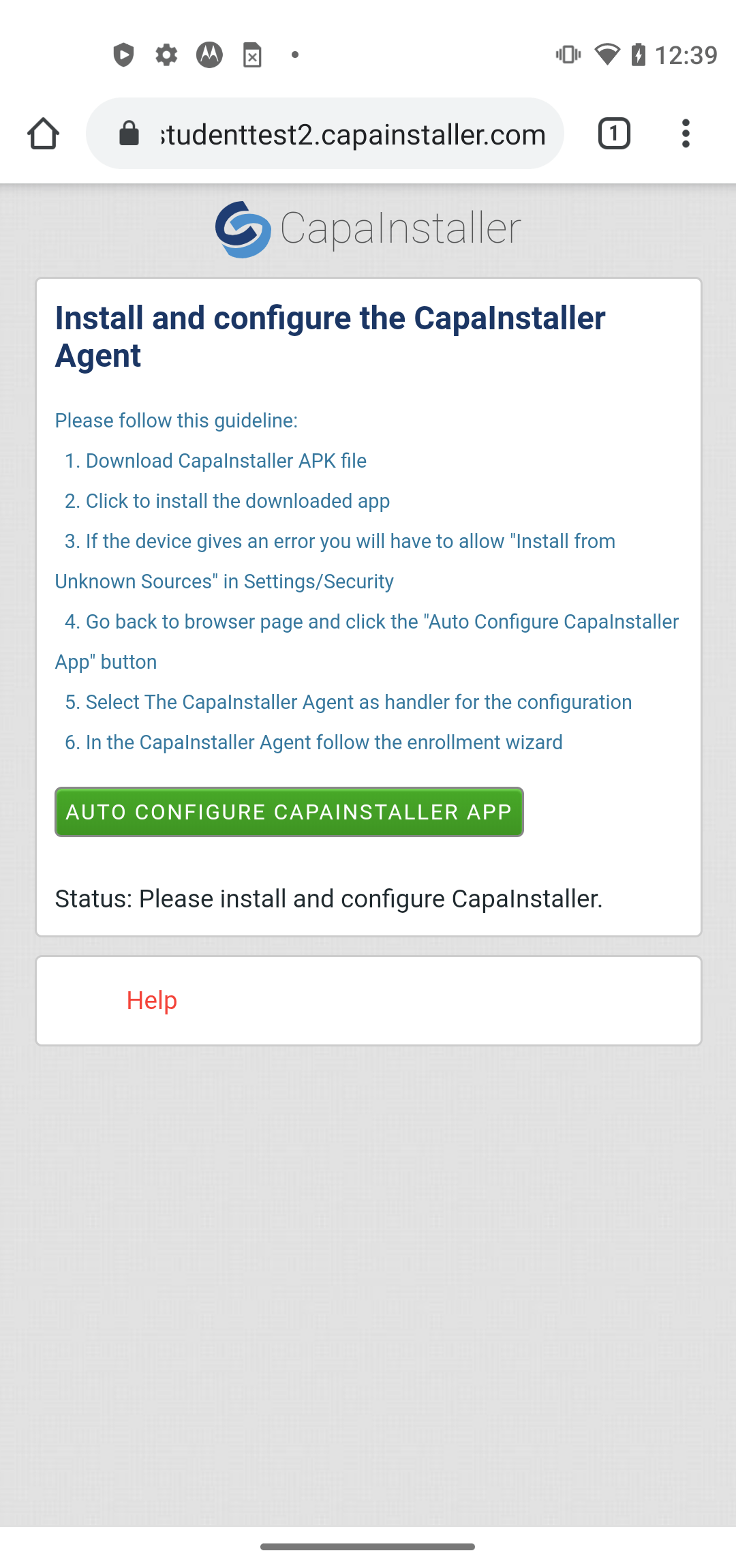 |
| 11 | It will take you to the app, here click on Work Profile |
| 12 | Click Accept & Continue. To setup the work profile 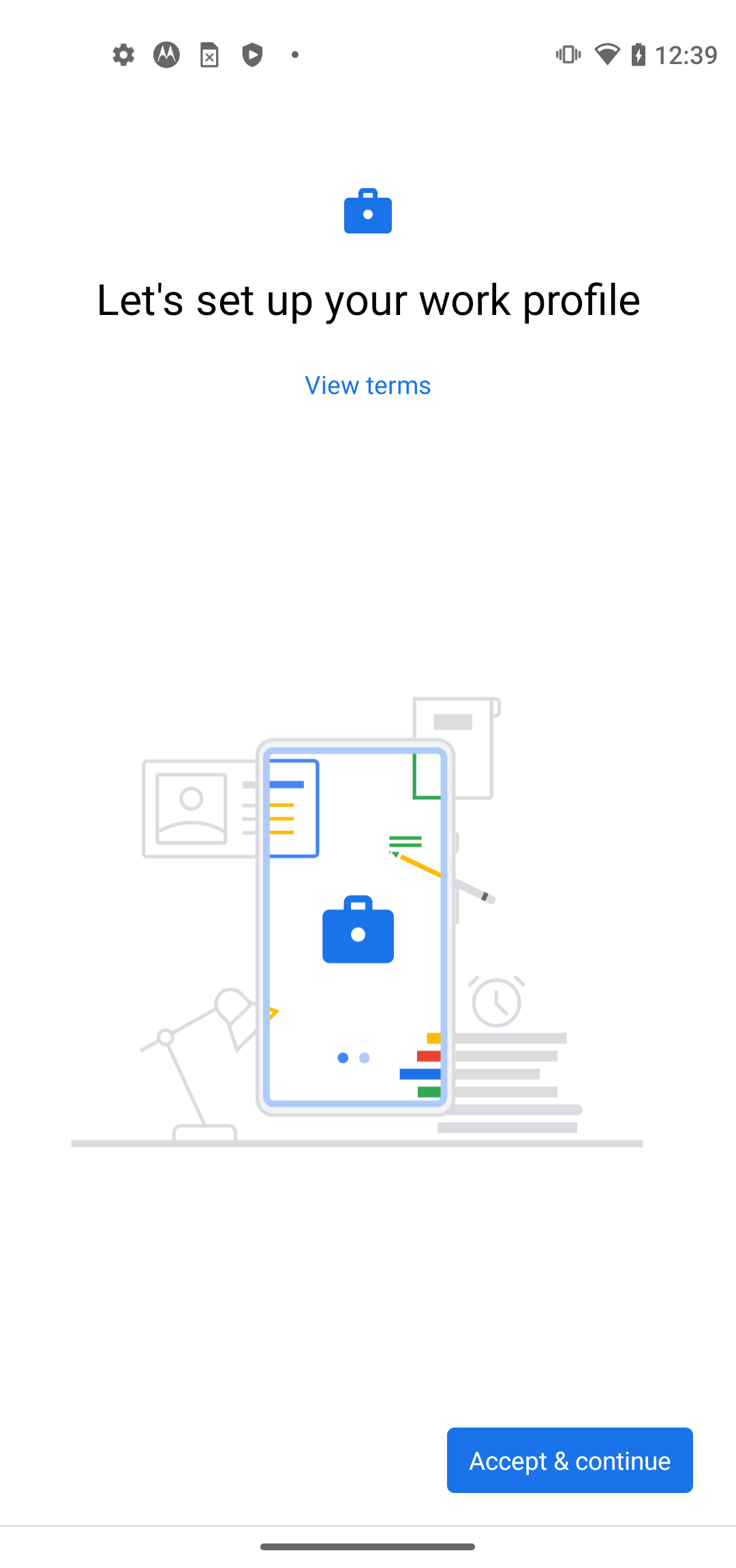 |
| 13 | Waite for this screen then click next 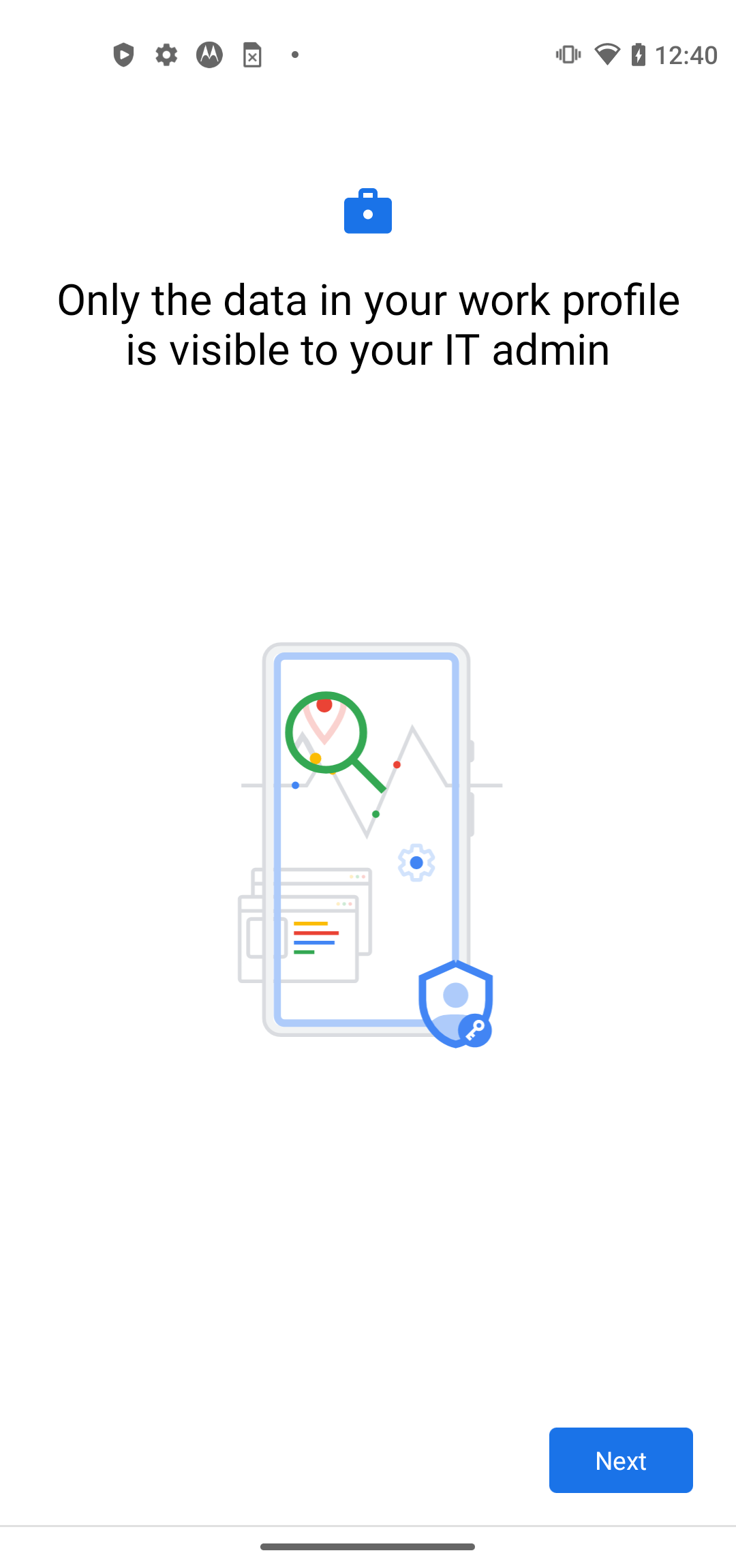 |
| 14 | It will create a work tab under the application menu on the device |