Delete Front-end Service
This page describes how to delete the Front-end Service.
-
In System Administration, expand Services, right-click the Front-end Service, and select Remove.
-
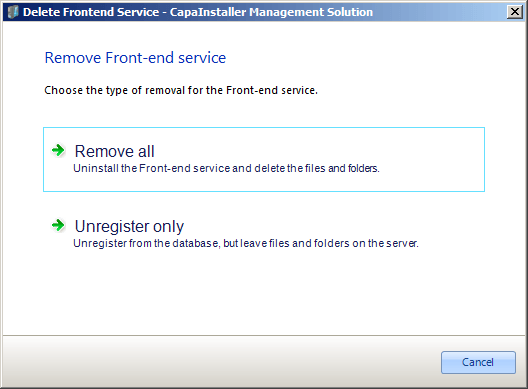
Select one of the options:
- Remove all uninstalls the service, deletes its files and folders on the server, and removes the registration of the service from the database.
- Unregister only removes the service from the database. Files and folders on the server are left unchanged. Use this option if the server no longer exists.
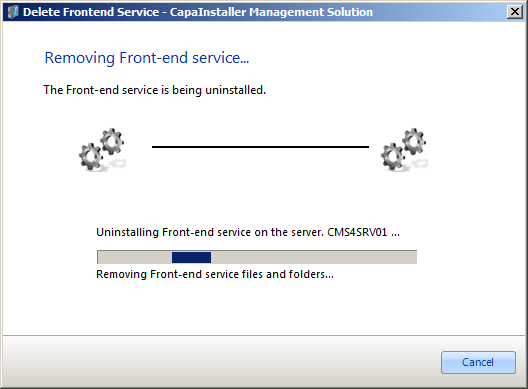
The service is removed.
-
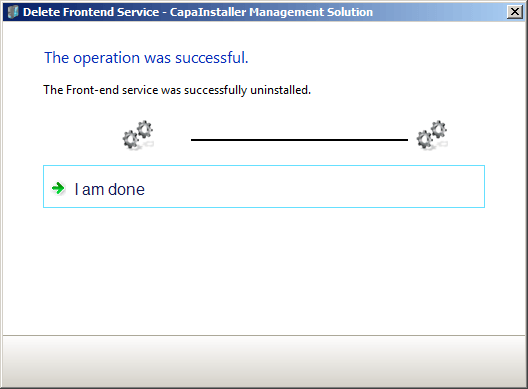
When the deletion is completed, click I am done.