

Delete Management Server
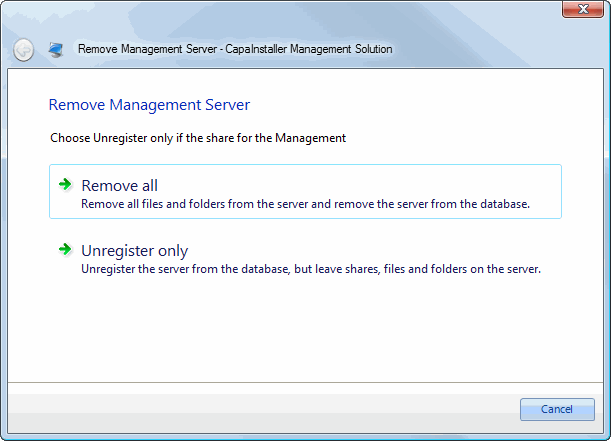
When you remove a Management Server, use the Remove Server wizard. The wizard makes sure that all references to the server are removed correctly. It offers two methods:
- Remove all removes the server from the database, and removes files, folders, shares, and the synchronization service from the server.
- Unregister only removes the server from the database, but leaves shares, files, and folders on the server.
-
In System Administration, right-click the Management Server and select Delete….
-
Choose the removal method. Use Unregister only if the server is no longer accessible. The wizard then doesn’t try to connect to the server.
-
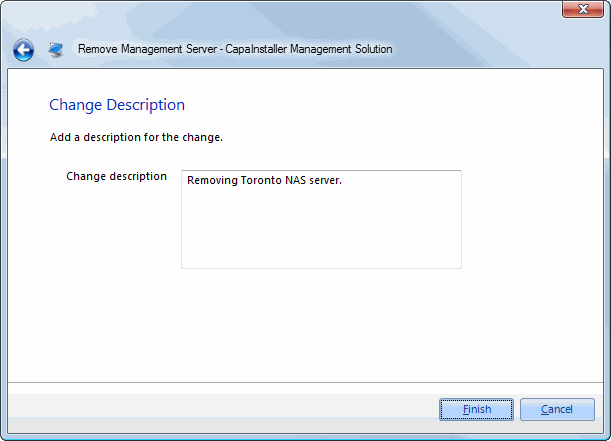
Enter a change description for the changelog, and click Next.
-
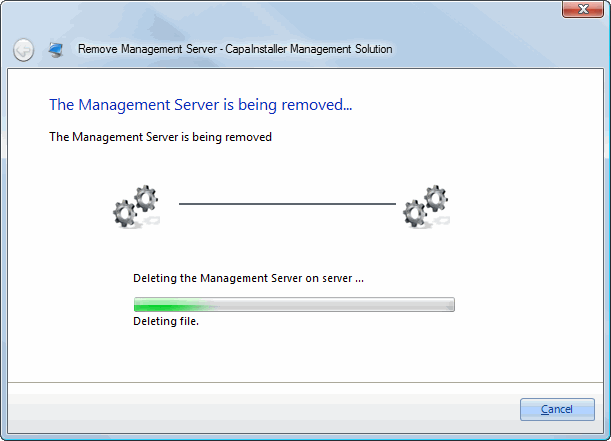
The wizard removes the server. If you selected Remove all, it also removes files, folders, shares, and the synchronization service from the server.
-
When the wizard shows that the server was removed, click I am done.
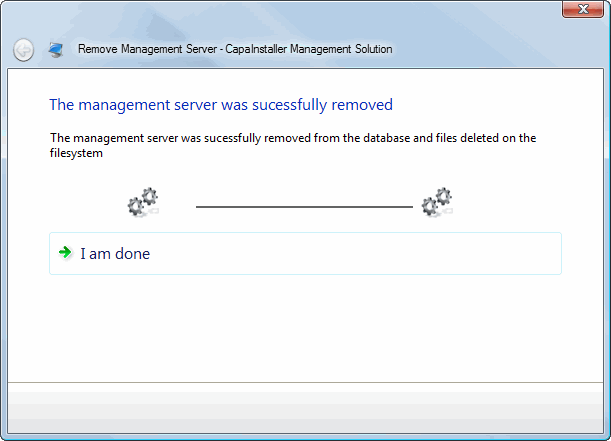
The Management Server no longer appears in System Administration.