

Create a calendar group
A calendar group controls when the agent is allowed to run on the computers in the group. A computer can only be a member of one calendar group at a time: when you add it to a calendar group, it’s removed from the calendar group it was in.
Create the group
Section titled “Create the group”-
In Configuration Management, expand your Configuration Management Point, then Groups → System Groups.
-
Right-click Calendar Groups (or a folder under it) and select Create group….
-
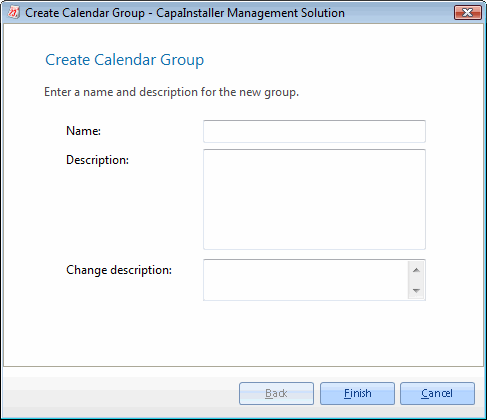
On the Create Calendar Group page, enter a Name and, optionally, a Description. The name must be unique among the calendar groups on the point.
-
Optional: enter a Change description. If your system requires a change description, you must enter one.
-
Click Finish.
-
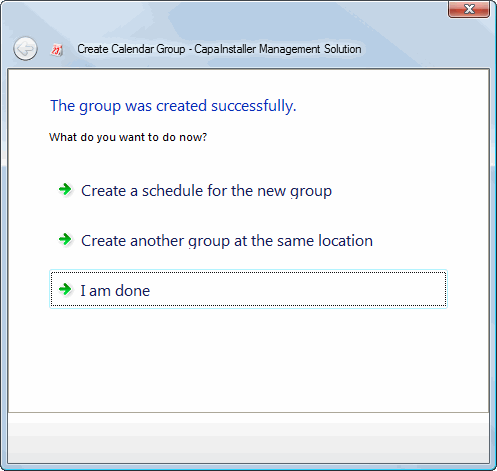
On the The group was created successfully page, choose what to do next:
- Create a schedule for the new group opens the schedule form for the group.
- Create another group at the same location starts the wizard again.
- I am done closes the wizard.
The group appears under Calendar Groups. To set the time window for the agent later, see Schedule groups.