

Can't Set APN (Access Point Names) Manually
Problem
Section titled “Problem”On an Android device, Access Point Names is grayed out and you can’t open it.
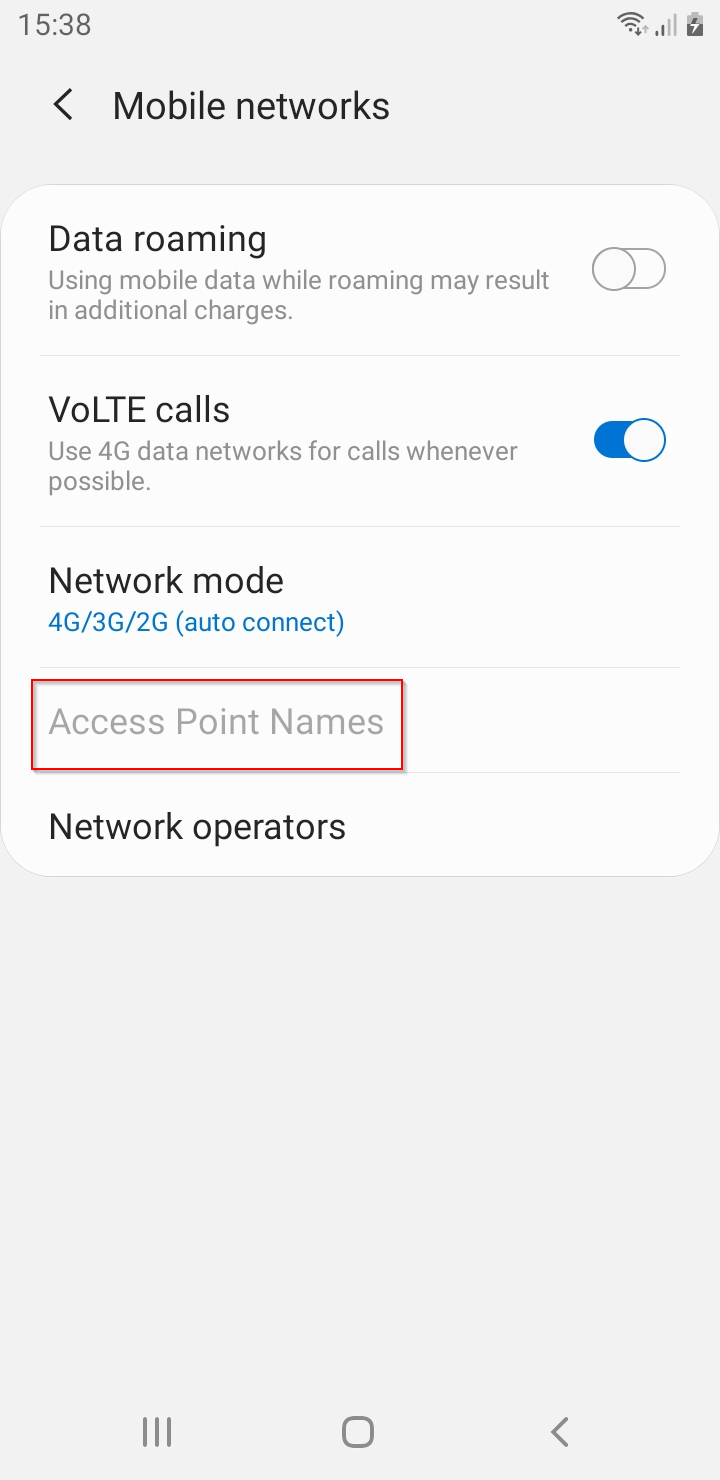
When the device is enrolled as Device Owner and an APN profile is installed, Android locks Access Point Names (in Settings → Connections → Mobile networks). The SIM card is linked to the APN profile and can’t be changed.
Solution
Section titled “Solution”Remove the APN profile from the device.
- In the CapaInstaller Console, select Configuration Management and go to the device.
- Right-click the APN profile and select Remove Profile/Application.
- Right-click the device and select Get Inventory to contact the device.
When the profile is removed from the device, Access Point Names is available again.