

Create a power scheme group
A power scheme group links power schemes to computers and determines when each power scheme is applied.
Create the group
Section titled “Create the group”-
In Configuration Management, expand your Configuration Management Point, then Groups → System Groups → Power Management.
-
Right-click Power Scheme Groups and select Create….
-
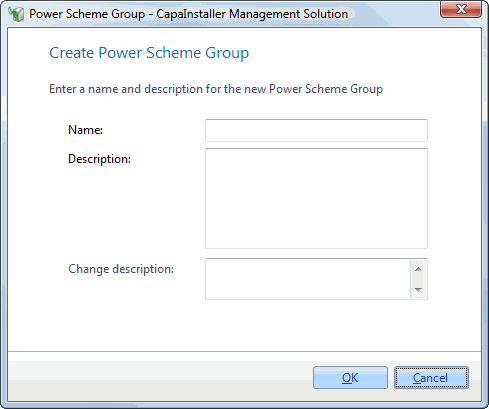
Enter a Name and, optionally, a Description. The name must be unique among the power scheme groups on the point.
-
Optional: enter a Change description. If your system requires a change description, you must enter one.
-
Click OK.
The group appears under Power Scheme Groups. Next, add power schemes and computers to it.