

Create a new driver
The following is a description of how to create a new driver. There are several different ways to add new drivers to OSD — see below for details.
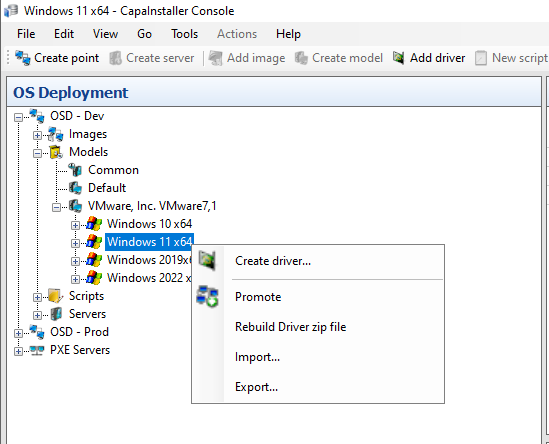
Drivers are created per model. In the OS Deployment tree, expand an OSD point → Models, select the model you want to add drivers to, then right-click it and choose Create driver…. You can also right-click an operating system folder under a model.
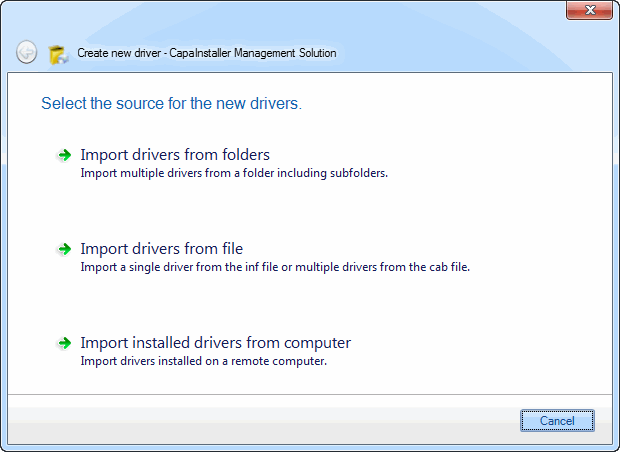
Then select the method you want to use: Import drivers from folder stucture., Import drivers from file., or Import installed drivers from computer.
Import drivers from folders
Section titled “Import drivers from folders”| Step | Action |
|---|---|
| 1 | Enter a path to scan for drivers. To keep the folder structure of a vendor driver pack, select Treat source folder as a Driver Pack (Folder structure will be maintained).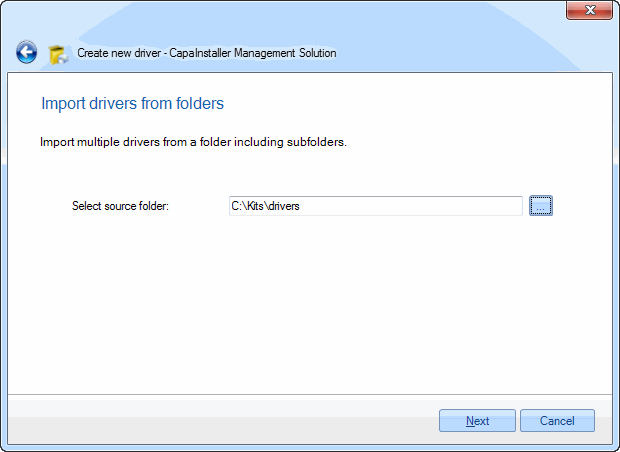 |
| 2 | Select the drivers you want to import.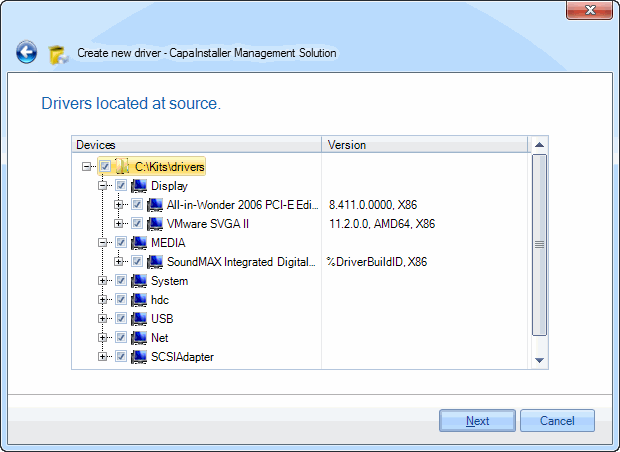 |
| 3 | Select the appropriate operating systems to assign the drivers to.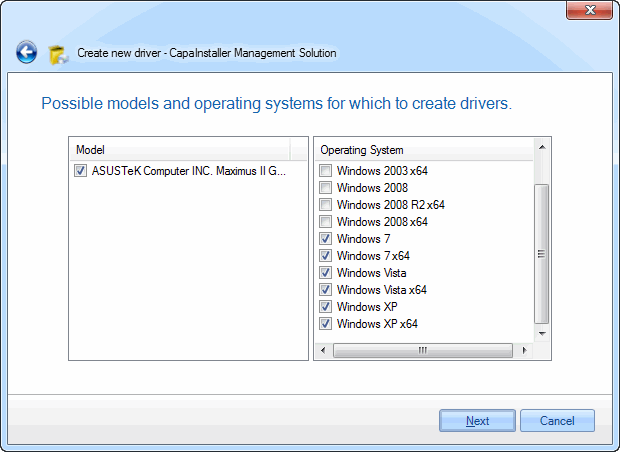 |
Import drivers from file
Section titled “Import drivers from file”| Step | Action |
|---|---|
| 1 | Enter the name of the .inf or .cab file to import from.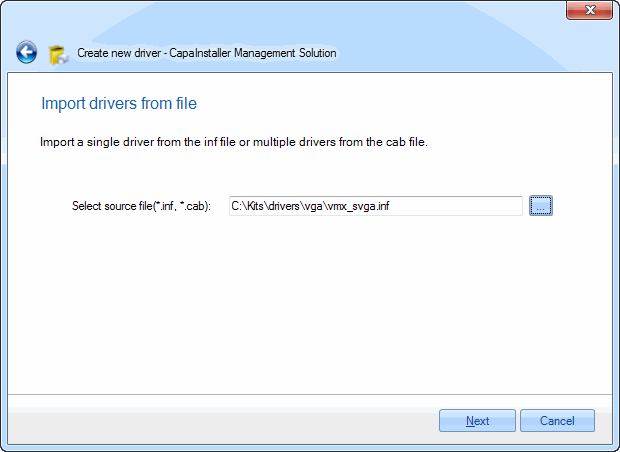 |
| 2 | Select the drivers you want to import.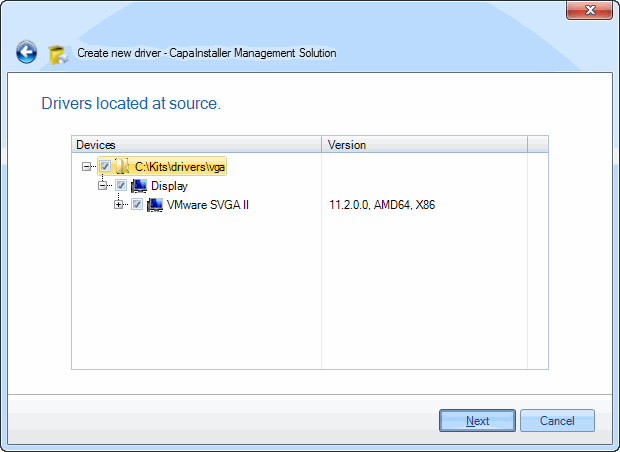 |
| 3 | Select the appropriate operating systems to assign the drivers to. |
Import installed drivers from computer
Section titled “Import installed drivers from computer”| Step | Action |
|---|---|
| 1 | Enter the name of the computer to import from. Select Include build in device drivers. if you also want drivers that are included in Windows.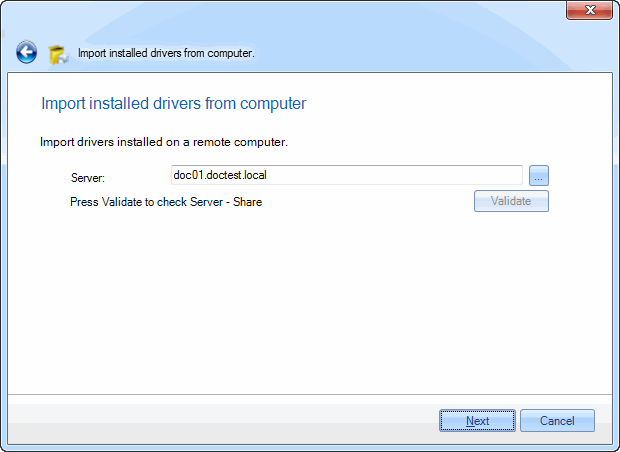 |
| 2 | Select the drivers you want to import.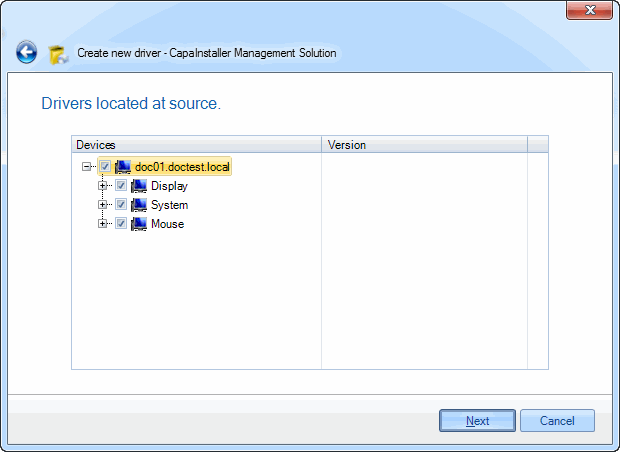 |
| 3 | Select the appropriate operating systems to assign the drivers to. |
Complete the remaining pages of the wizard. The drivers appear under the model and operating system you selected.