

Manage printer assignments
When you deactivate a printer in Configuration Management, it stays in CapaInstaller until you either activate it again or remove it. Use the Remove Inactive Printers window to manage deactivated printers.
-
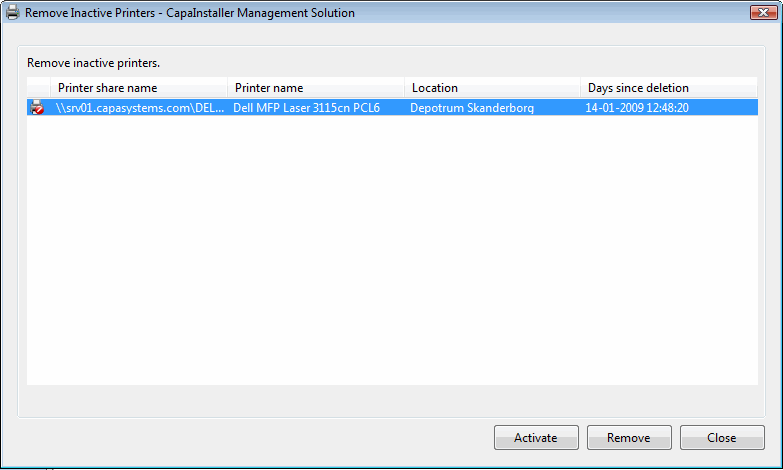
In Configuration Management, right-click the Printers node and select Manage deactivated printers…. The Remove Inactive Printers window opens and lists the deactivated printers, including the number of days since each printer was deactivated.
-
Select one or more printers.
-
Do one of the following:
- To use a printer again, click Activate.
- To delete a printer from CapaInstaller, click Remove, enter a reason in the change log dialog, and confirm.
-
Click Close.