

Assign packages to units or groups
You can assign packages to units or groups in two ways:
- Drag the package to the unit or group.
- Add the package to the package buffer, and then paste it on the unit or group.
Computer packages are assigned to computers and computer groups. User packages are assigned to users and user groups.
Drag and drop
Section titled “Drag and drop”-

Locate the package.
-
Drag it to the unit or group.
-
Optional: enter a comment, and confirm the operation.
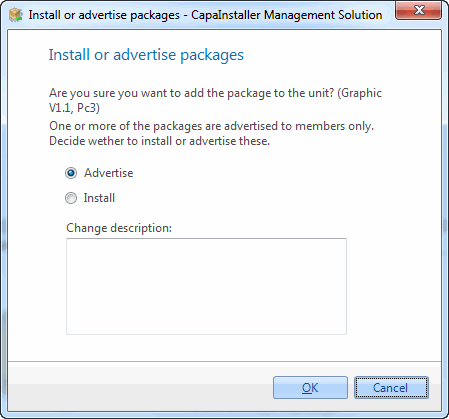
If you add packages to a unit, and one or more of them are published to package members only, the Install or advertise packages dialog opens. Select Advertise to show the package to the unit in the catalog, or Install to install it. If you select Install, the package is installed but stays in the catalog it’s published to.
Use the package buffer
Section titled “Use the package buffer”-
Right-click the package and select Add to buffer.
-
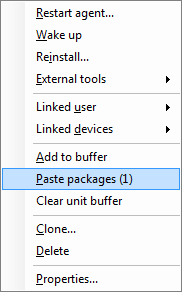
Right-click the unit or group, and select Paste packages. The number of packages in the buffer is shown after the menu item.
-
Optional: enter a comment, and confirm the operation.
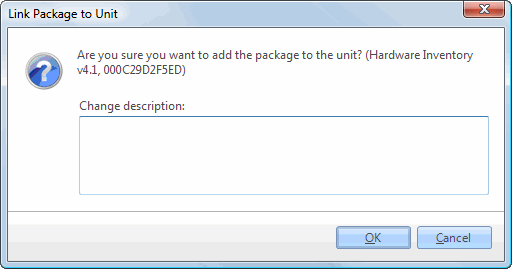
As with drag and drop, the Install or advertise packages dialog opens if you add packages to a unit and one or more of them are published to package members only.