

Delete Management Point
When you delete a Management Point, use the Delete Management Point wizard. The wizard makes sure that all references to the point are removed correctly.
To start the wizard, go to System Administration → Configuration Management Points, right-click the Management Point, and select Delete. If the point has packages that are used in reports, the console asks whether you want to delete these packages and reports as well.
| Step | Action |
| 1 | The Welcome page list the necessary steps. Unnecessary steps will not be listed and will be passed in the Wizard. 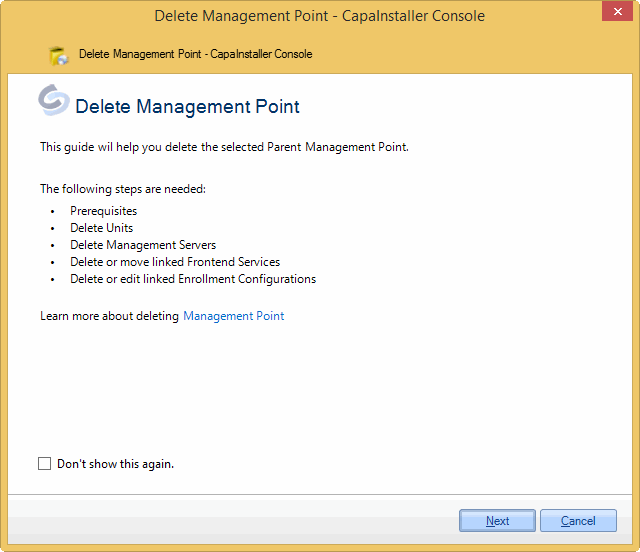 |
| 2 | The Prerequisites page is only displayed when deleting a root Management Point. When deleting a child point, these checks are not needed. The MediaMaster folder must be copied to the child Management Point. And it is recommended to promote all items. 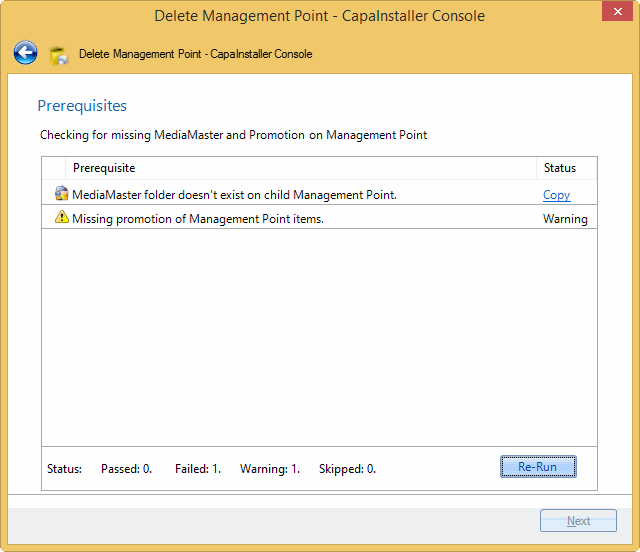 If there is missing promotion, you can still continue, but a warning is displayed. 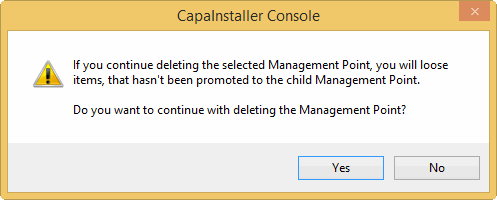 |
| 3 | All units linked to the Management Point must either be moved or deleted. You can delete the units directly in the Wizard. The actual deletion of the units is done in the end, together with deleting the Management Point. 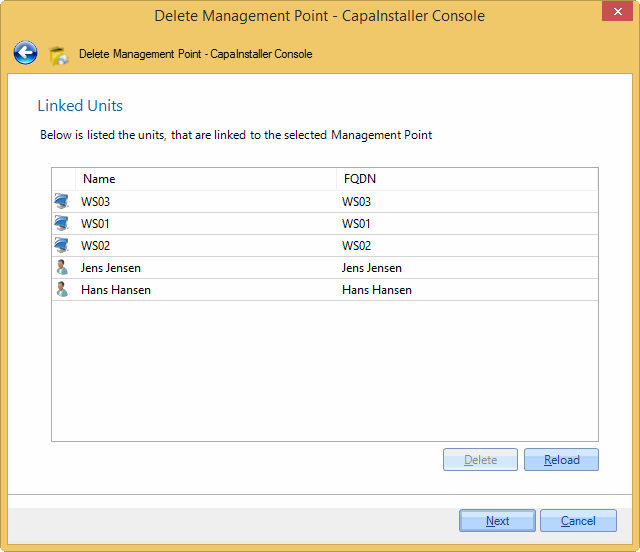 If not every unit is moved or deleted, this message box is displayed. 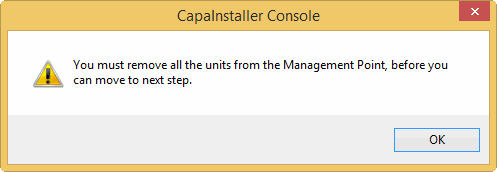 |
| 4 | All Management Servers linked to the Management Point must either be moved or deleted. You can delete the linked Management Servers directly in the wizard, with the Delete Management Server. 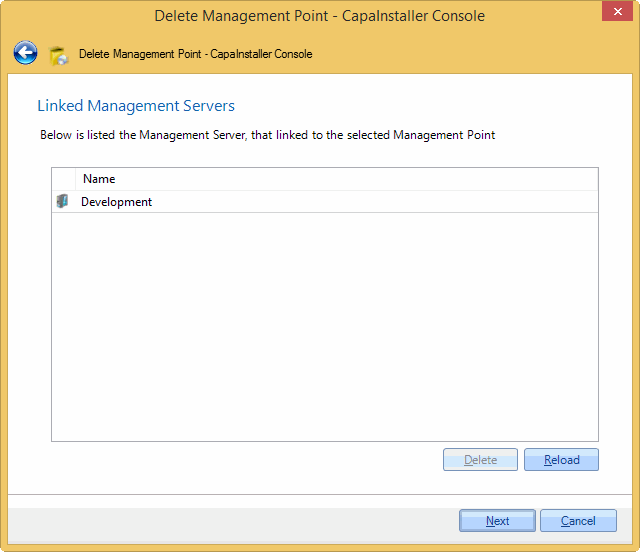 If all Management Servers are not moved or deleted, this message box will appear. |
| 5 | Frontend Services linked to the Management Point must be deleted or linked to another Management Point. Mark one or more of the Frontend Services, and choose either Delete or Relink. 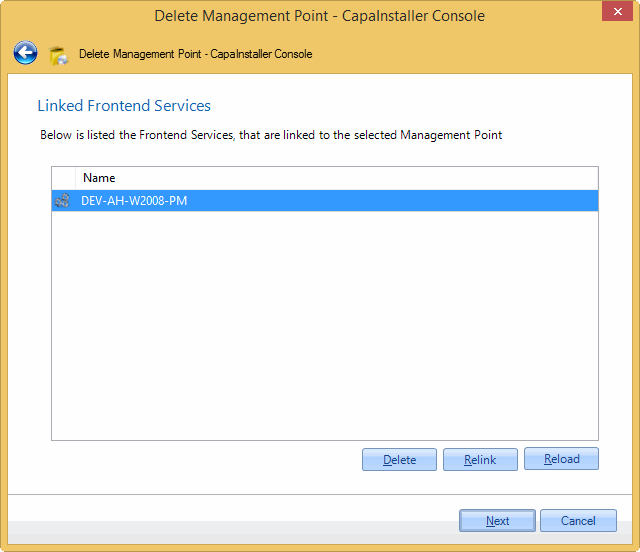 Choosing the Relink option will open this window. Choose another Management Point, and click OK to relink the Frontend Service. 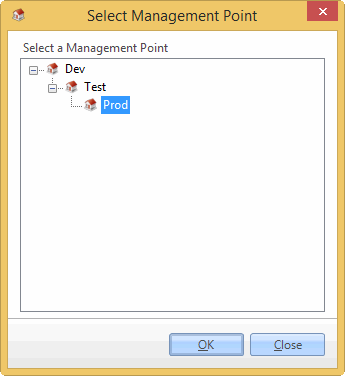 |
| 6 | Enrollment Configs can be configured to link to a Management Point. These should either be deleted or linked to another Management Point. Clicking Edit opens the enrollment configuration so you can change it. See Getting started with Enrollment Configurations. 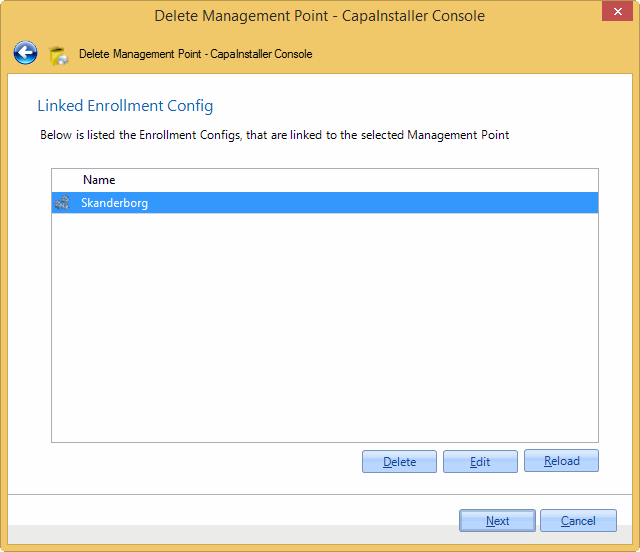 |
| 7 | On this page, choose how to delete the Management Point. You can - Delete Point, Share and Service. The Sync Service is not deleted if it is used by other Points, Servers, or OS Deployment. - Delete Point and Share. Deletes the Management Point in the database and the share, and leaves the Sync Service in the system. - Unregister Point in database. This will remove the Management Point in the database, and all of its references. Then you must remove the share manually. 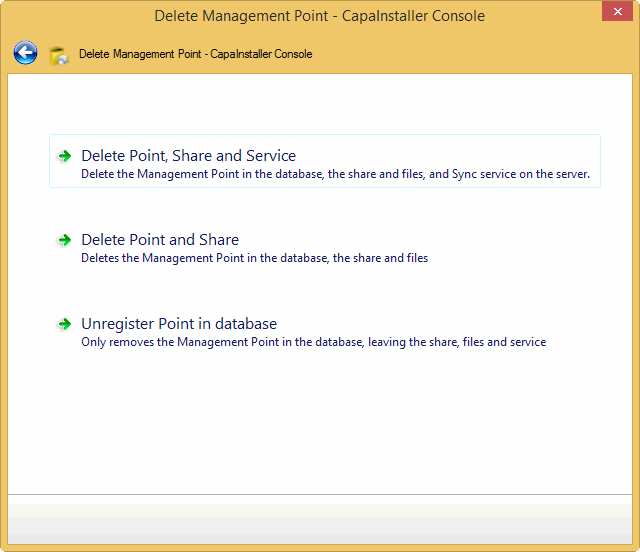 |
| 8 | On this page, you can describe the changes made. If Force Changelog is set, a Change description must be entered. 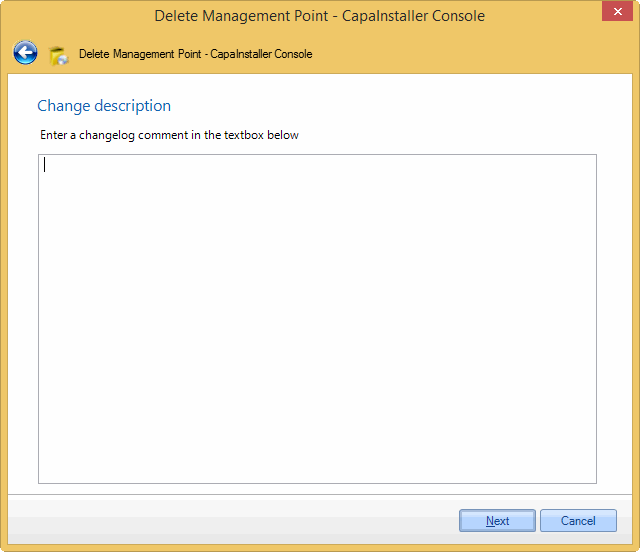 |
| 9 | The summary page lists the changes made to the system, which Management Point, Share, and Sync Service is deleted. The summary page can be printed or saved as an HTML page for future documentation. Can be useful if only unregistering the Management Point in the database. 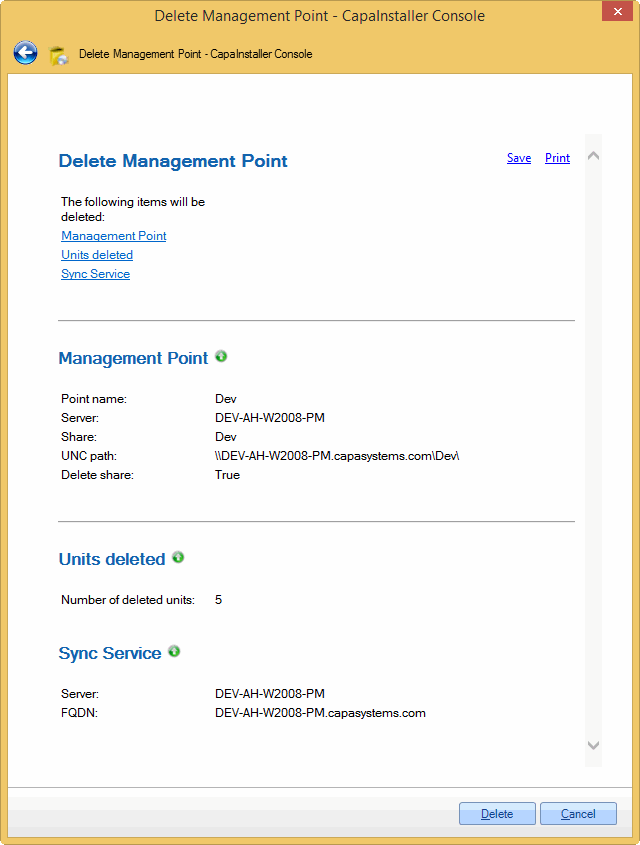 Clicking the Delete button, when deleting a parent Management Point will show this message box, as a confirmation to delete the selected Management Point. 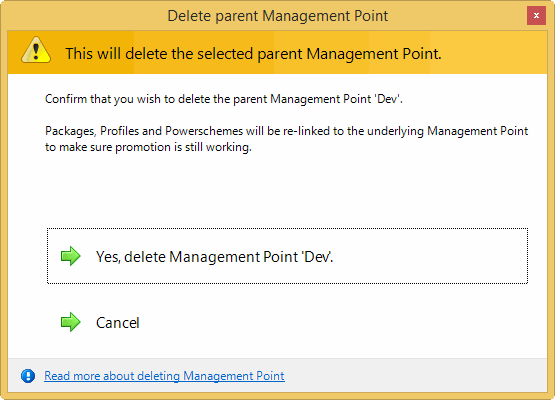 |
| 10 | Deleting the Management Point is processing. Changes to the database is done in a database transaction, so any error during deleting in the database will rollback the changes. 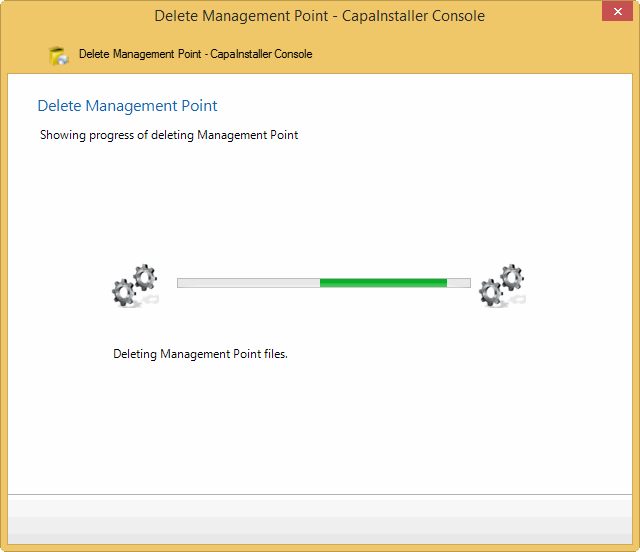 |
| 11 | Deleting the selected Management Point was successful. Click Done to close the wizard. 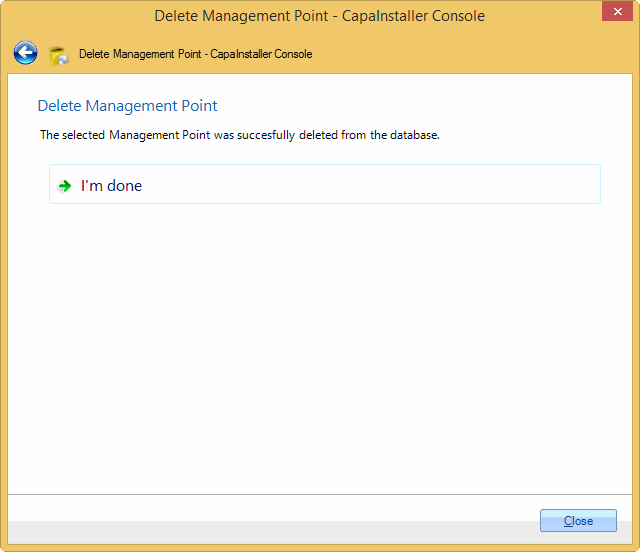 If deleting the Management Point fails, the following page is displayed. Click Show Logfile, to view any errors in the logfile. Click I Am done, to finish the wizard or click Retry to go back to step 7, and choose what to delete again. If deleting the share or services failed, you can choose only to unregister the Management Point from the database. 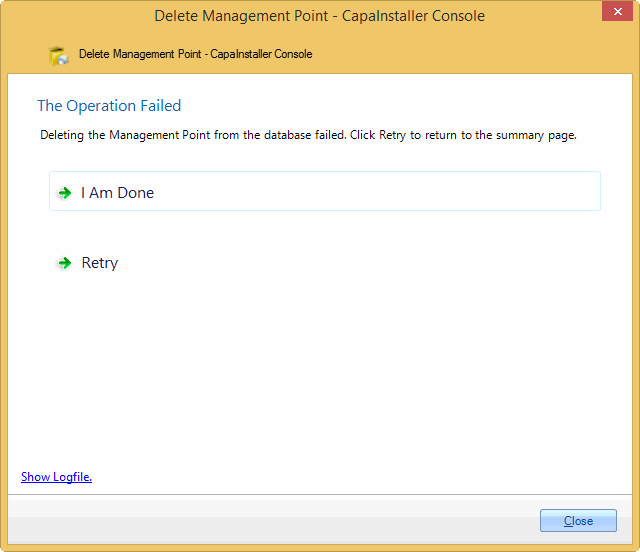 |
Read more: