

Images
The following is a description of the process involved in adding and promoting a previously captured image to CapaInstaller OSD.
The supported images are based on the Windows Image format (.wim).
Add a captured image
Section titled “Add a captured image”- In the OS Deployment tree, expand the root OS Deployment point, right-click Images, and then click Add Windows image….
- Browse for the image file in your Captures folder.
- The folder is by default located in your root OSD Point.
- If you want to use the file name as the image name or description, you can select the name and copy it to the clipboard.
- Specify the name of the image and an optional description of the image.
- Select the operating system that the image was captured from.
- Click OK and wait a couple of minutes for the addition to complete. Transfer speeds depend on network and disk speeds.
Right-click options
Section titled “Right-click options”Right-clicking an image gives you the following options:
| Option | Description |
|---|---|
| Promote | Lets you promote the items on the CapaInstaller OS Deployment Point to a child point. This option is only available if a child point has been created. Click Next to promote the image to the child Deployment Point.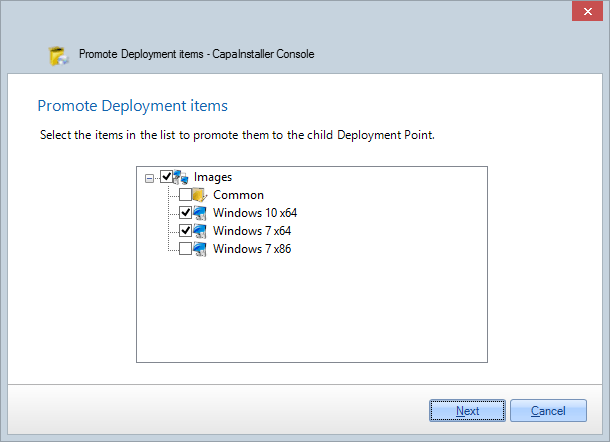 |
| Server assignment | Selects the OS Deployment servers that the image is available on. |
| Open in Windows Explorer | Opens the image folder on the OS Deployment point. |
| Export | Exports the image to a zip file. See Use Export in OS Deployment. |
| Delete | Lets you delete the image. You are asked to confirm this.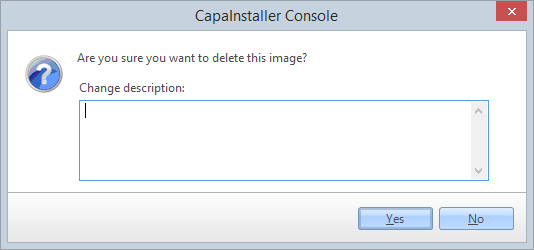 |
| Properties | Displays the properties for the image: name, description, file name and operating system. |
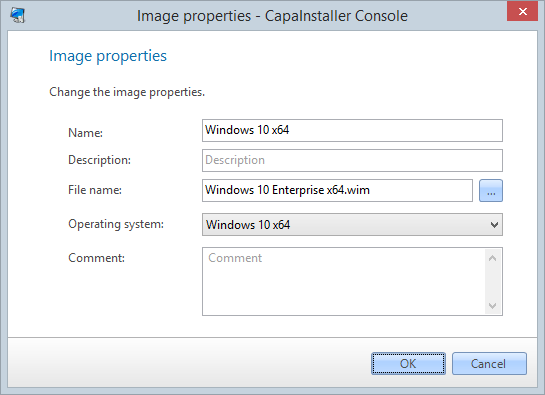
Right-clicking the Images node also lets you import and export images, promote them, and change the order of the images (Reorder…).