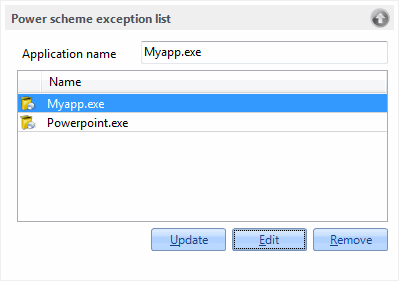
Power management exception list
The power scheme exception list specifies which applications should prevent CapaInstaller’s power management from putting the computer into sleep mode.
Application names can be added, updated and removed from the Groups → System Groups → Power Management → Application Exceptionlist node in the tree view (right-click the node or an application and select Add, Edit or Delete), or from the Power Scheme Exception List section of the Configuration Management options in Configuration Management.