

Open an Existing Report
Open an existing report or dynamic group query to view it, change it, or use it as the basis for a new report.
-
In the Reporting and Queries plugin, select File → Open…, or press Ctrl+O. If the current report has unsaved changes, you’re asked whether to save it first.
-
Select the report or dynamic group query you want to open, and then select Open.
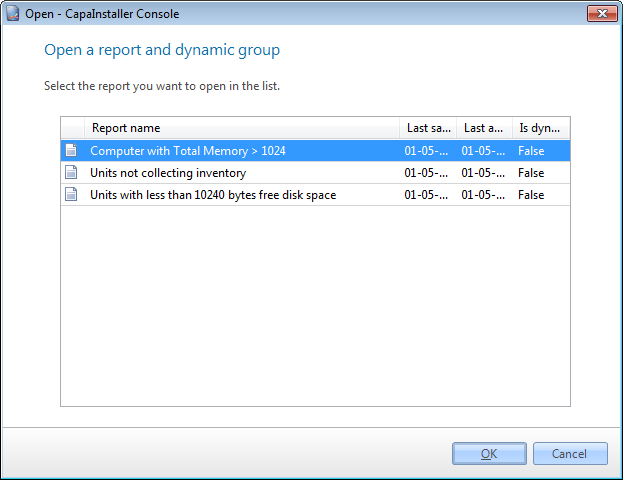
The report opens, and its items are selected in the tree views. To see the result, select Preview on the toolbar.
To base a new report on the opened report, change it and then select File → Save as….
Related tasks
Section titled “Related tasks”| If you want to… | You can… |
|---|---|
| Create a report | Create a report to see how. |
| Preview a report | Preview a report to see how. |