

Patch Management groups
You can create multiple groups for a child point. A recommended group structure is Development, Test, and Production. This enables a structured procedure for update deployment.
The groups are ordered in the sequence you create them. The first group is the root group. With scheduled approval, updates are approved to the root group first and then to the next group after the number of days you specify. See Approval rules.
For a group, you can enable query based membership.
| Element | Description |
|---|---|
| Updates | The updates linked to the group, sorted by status in the folders Approved for installation, Approved for removal, and Not approved. |
| Computers | The computers linked to the group. |
| Classification | The classifications linked to the group. Click a classification to display the group’s updates in that classification. |
| Categories | The categories linked to the group. Click a category to display the group’s updates in that category. |
Right-clicking a Patch Management group gives you the following options:
| Element | Description |
|---|---|
| Query based membership | Configures query based membership of computers. See Use query based membership. |
| Delete | Deletes the group. You’re asked to confirm this. Only the last group under a child point can be deleted. 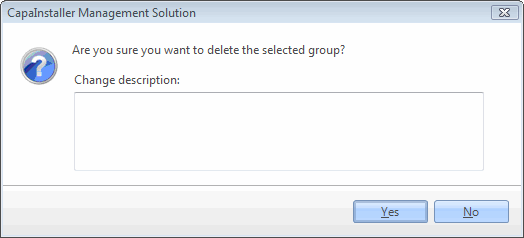 |