

CapaInstaller Server installer
From the Installation kit, run the file CiServerInstallerGUI.exe. It starts the wizard described on this page.
From the wizard, it is possible to install Distribution Servers, OSD Servers and PXE Servers. When these servers are installed they will appear online in the CMS console.
| Step | Action |
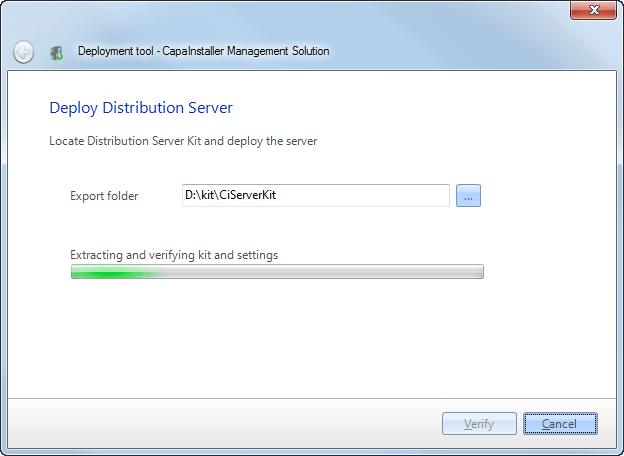
| 1 | Define the export folder and click Verify. If the Kit is successfully verified and a connection to the database is established the wizard will automatically proceed to the next step. |
 |
|
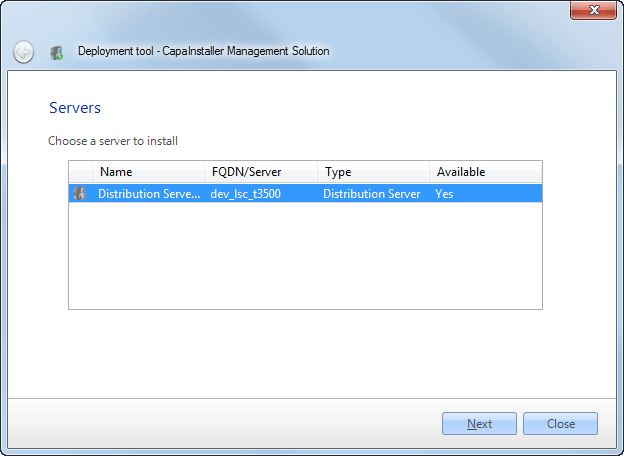
| 2 | Select the server being deployed |
 |
|
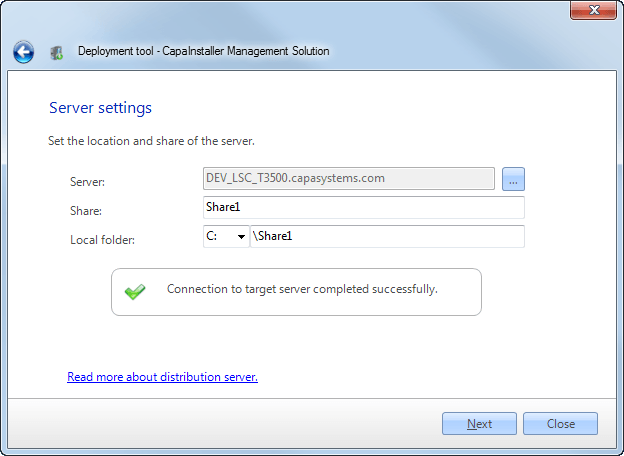
| 3 | Specify share name and location if you want to change these. |
 |
|
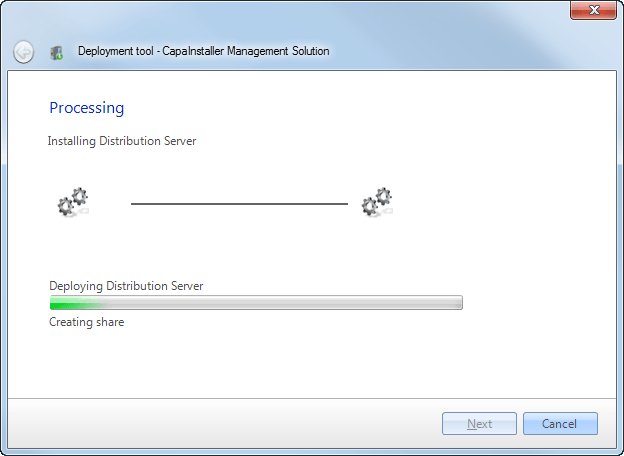
| 4 | The server is being deployed. |
 |
|
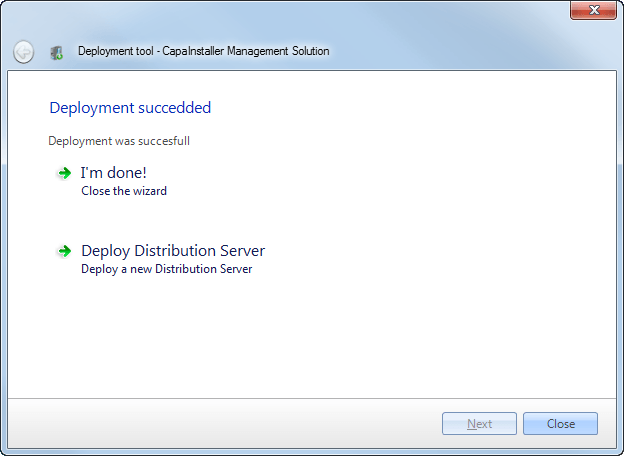
| 5 | Server deployment completed. Close the wizard or deploy another Server. |
 |