

Link unit to Business Unit
The following is a description of how to link units to a business unit.
| Step | Action |
| 1 | Select the units, right-click, and select Add to buffer. |
| 2 | Locate the business unit and expand it. |
| 3 | Right-click Computers and Devices (or Users) or a unit folder inside the business unit, and select Paste computers (or Paste users). The menu item shows the number of units in the buffer, for example Paste computers (3). |
| 4 | Enter an optional comment and confirm the operation. 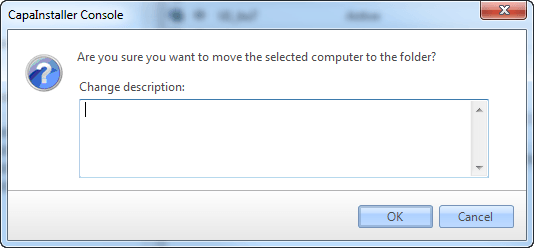 |
| 5 | If any packages or profiles on the units are not already assigned to the business unit, you can choose to assign those to the business unit as well. If you choose No, the operation will proceed but skip those units with packages/profiles not assigned to the business unit. 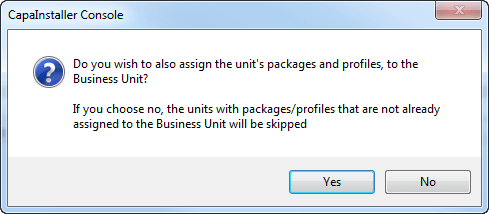 ❗ You can see the list of skipped units in the log file. |