

Metering history detail view
Introduction
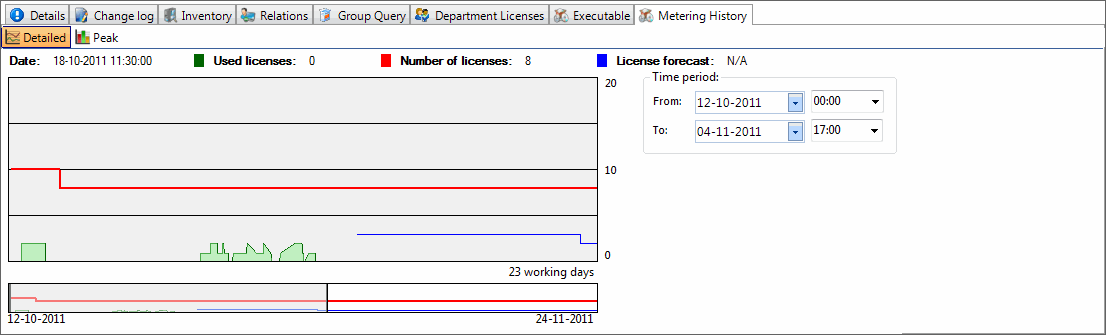
Section titled “Introduction”The Metering history detail view will be displayed in the lower part of the content view every time you click on an Application group. The metering history detail view displays the metering history in two graphs, a detailed showing application usage per minute and a peak showing max application usage per day.
| Step | Action |
| 1 | Select Detailed or Peak Metering history graph |
| 2 | To zoom on the view, select a time period, use the mouse scroll wheel or make a marking on the lower graph with the right mouse button |
| 3 | Zoom out by changing the time period or use the mouse scroll wheel |