

Manage Data Connection Accounts
Data Connection Accounts handle the connection to the Data Connection Service. For background, see Data Connection Accounts.
-
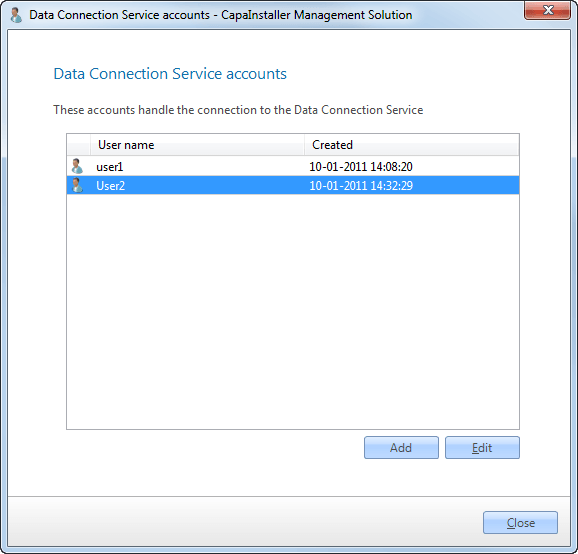
In System Administration, select Actions → Data Connection Accounts…. The Data Connection Service accounts dialog lists the existing accounts.
-
Click Add to create an account, or select an account and click Edit.
-
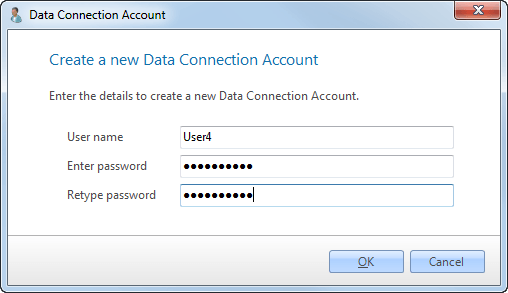
Enter the Username, enter the password in Enter password and Retype password, and click OK.
-
Click Close.
To remove an account, select it and click Delete.