

Thinstall
The Thinstall section is used to identify the virtual application that has to be deployed.
| Source section | Description | How to |
| Program folder name | Enter the name of the folder in which the program folder items should be created | |
| Program folder item | Define the items that should be added to the program folder | 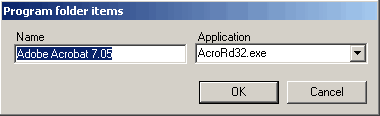 |
| Extensions | Register file extensions and program associations | 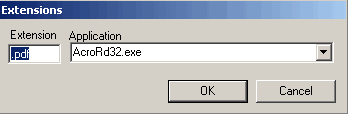 |
| Process name | Define the processes that have to be closed when uninstalling | 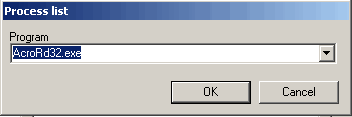 |
| Compression | Specify compression type | None, Fast, or Small. The default is None. If you enable compression, the Thinstall package is rebuilt |
| Expiration | Add expiration date if needed. If the expiration is defined a vb script is generated and the Thinstall package rebuild | 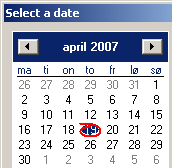 |
| Isolation | Specify isolation mode | The default is WriteCopy. If you change the isolation mode, the Thinstall package is rebuilt. WriteCopy — System elements at this location are visible to the application. If a system and a virtual element exist at the same location, the application sees the virtual one. Modifications to virtual elements, modifications to system elements, and new elements all go to the sandbox. Merged — System elements are visible to the application (virtual wins on conflicts). Modifications to virtual elements and new elements go to the sandbox, but modifications to system elements go to the system. Full — System elements at this location are not visible to the application; they cannot be read or modified. Modifications to virtual elements and new elements go to the sandbox. |
| Sandbox location | The sandbox can either be located per user or per machine. If the Sandbox is located per user it is stored in the users profile. If the Sandbox is located per machine it is stored on the systems and is common for all users | Per User or Per Computer. The default is Per User |
| AD integration | Definition of who can open the program | 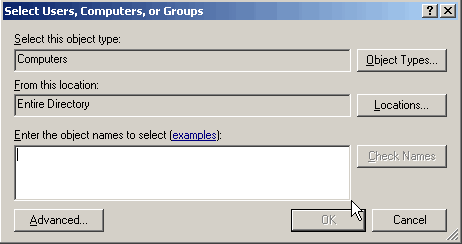 |