Who Started the Console?
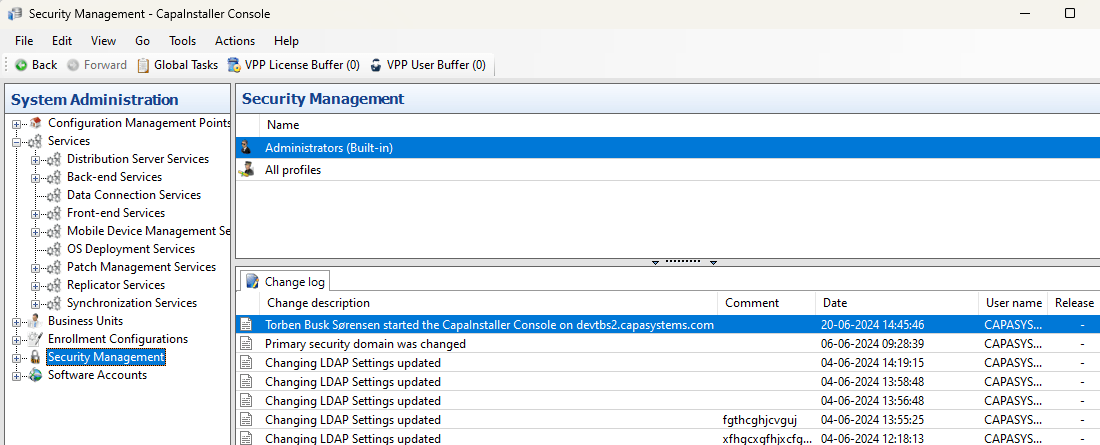
When a user starts the CapaInstaller Console, the start is logged in the changelog. To see the entries, go to System Administration, select Security Management, and open the Change log tab at the bottom of the window.
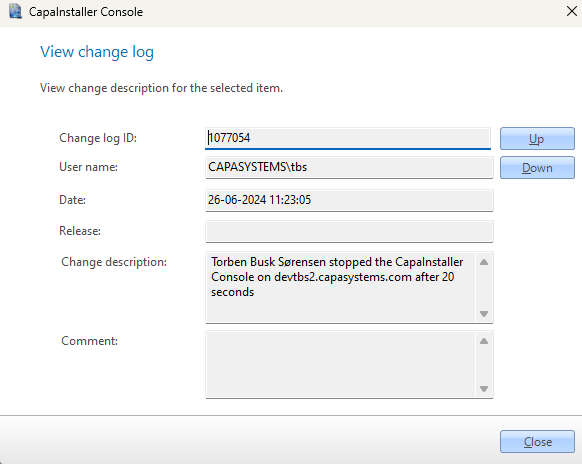
The changelog also has an entry when a user’s attempt to start the console is rejected, and when a user closes the console. The details of an entry show, for example, the user name, the date, and how long the console was running.