

Delete Security Groups
If you no longer need a security group, you can delete it.
-
In System Administration → Security Management → All security groups, right-click the security group and select Delete.
-
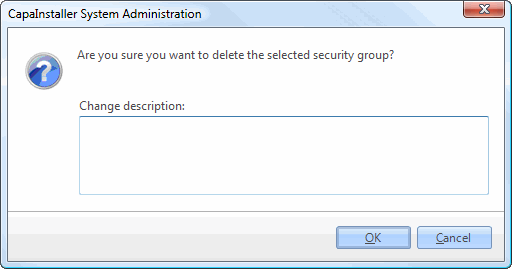
Confirm that you want to delete the selected security group.
The security group is removed from All security groups.