

Customize categories and classifications
To change which categories (products) and classifications are shown in the tree view, follow the steps below. The Products tab controls the categories, and the Classifications tab controls the classifications.
| Step | Action |
| 1 | Open the WSUS management console. |
| 2 | Select Options in the view on the left side. 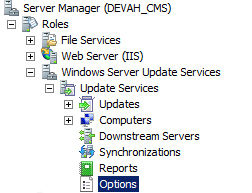 |
| 3 | Select Products and Classifications in the middle.  |
| 4 | On the Products tab, select or deselect the products (categories) you want to show or hide. 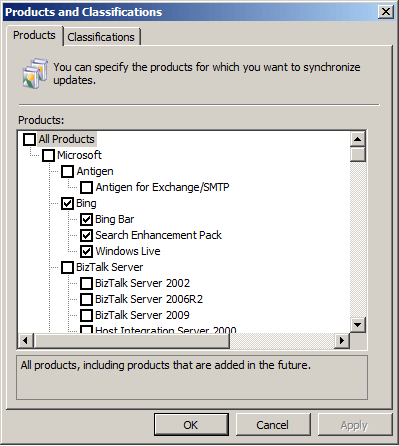 On the Classifications tab, select or deselect the classifications you want to show or hide. 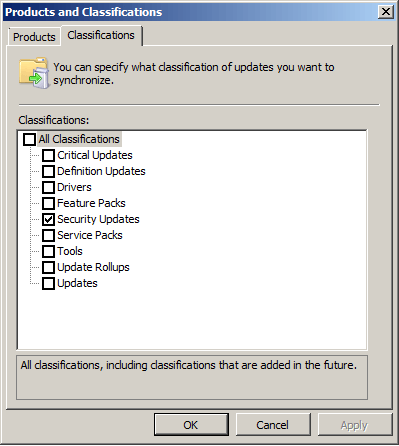 |
| 5 | Click OK. |
| 6 | The change becomes visible in the Patch Management plug-in after the next full synchronization of the Patch Management Service, which runs every 12 hours. To synchronize sooner, click Sync updates in the Patch Management plug-in. |
Related
Section titled “Related”- Categories and Classifications - What categories and classifications are and how they control which updates apply.