

Update details
The Update Details area shows information about the update you select in the content pane.
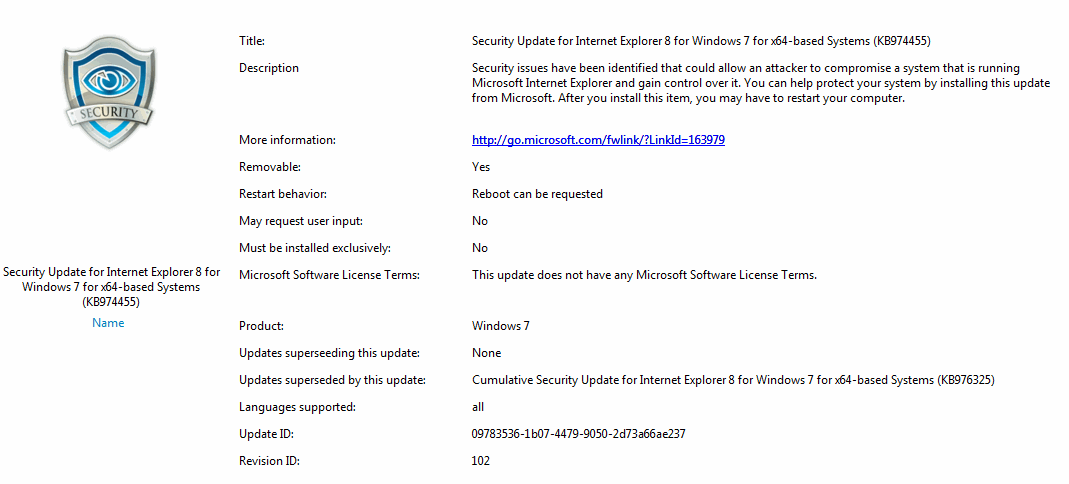
| Element | Description |
| Description | A short description of the purpose of the update. |
| More information | A link to Microsoft and their description of the update. |
| Removable | Indicates whether or not you can remove the update. |
| Restart behavior | Whether the computer must restart after the update is installed: Never reboot, Always require reboot, or Reboot can be requested. |
| May request user input | Indicates whether or not the user of the computer will be prompted for input during installation. |
| Must be installed exclusively | Indicates whether or not the update must be installed separately. |
| Microsoft license terms | If the update has license terms, a link is shown here. Click the link to view the license terms. The license terms are accepted automatically when you approve the update. 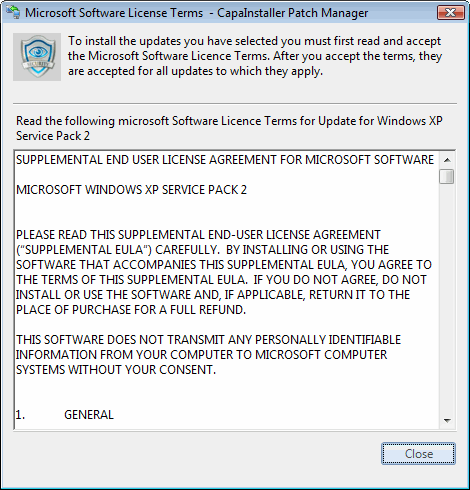 |
| Products | The category and product this update is a part of. |
| Updates superseding this update | Newer updates that replace this update. |
| Updates superseded by this update | Older updates that this update replaces. |
| Languages supported | The languages supported for this specific update. |
| Update ID | Unique ID for this update. |
| Revision ID | An update revision is a version of an update that contains changes compared to the version that was last published. For example, the change might be an updated EULA or UI text, updated applicability rules for computers, modified language support or changes made to the actual update files. |