

Import
Introduction
Section titled “Introduction”Import is used to import application groups, unmanaged software queries, and known files from an XML file created with Export. Open the dialog from File → Import….
Items that already exist in the database are handled like this:
| Item | If it already exists |
|---|---|
| Application groups | A group with the same name and version is not created again. The imported group queries and metering executables are added to the existing group, unless they conflict with existing ones. |
| Unmanaged Software | A query that conflicts with an existing query is not imported. |
| Known files | If a file with the same file name exists, its application name is replaced by the imported name. |
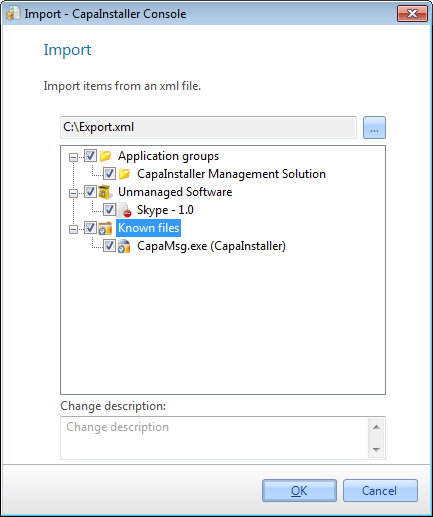
| Element | Description |
| Browse | Locate the import file with the browse button. |
| Check items | Check the item to import into CMS. |
| Change description | Description of the import for the changelog. |