

Deploy the Back-end Service
This page describes how to deploy a Back-end Service.
-
In System Administration, expand Services, right-click Back-end Service, and select Deploy Back-end Service…. The deployment wizard opens.
-
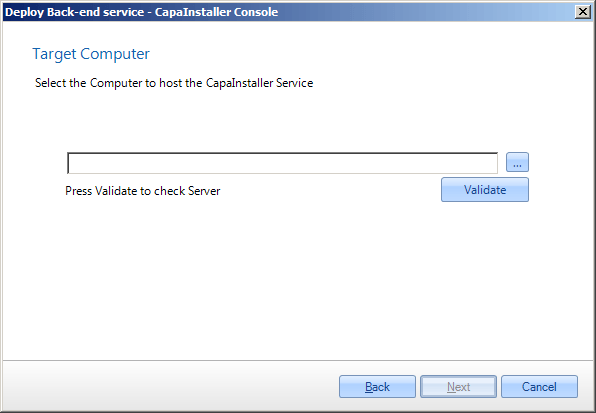
Enter the name of the target server and click Validate.
-
Enter the Internal Url(s) of the service, including the port. The default port is
5023for HTTP and443for HTTPS. If the service must be reached from outside the firewall, also enter the Public Url(s). If you use anhttps://URL, select an SSL Certificate.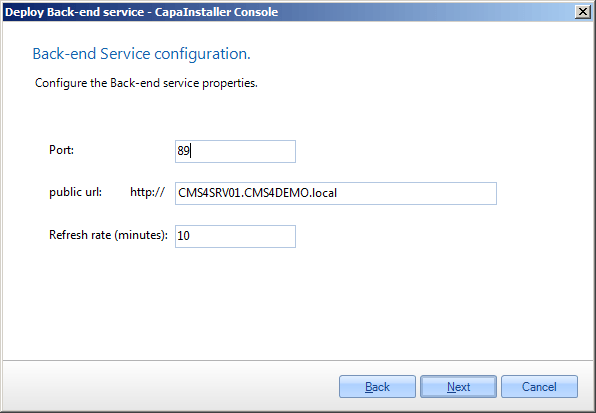
-
Set the refresh rate, which is the number of seconds between each refresh of the settings from the database.
-
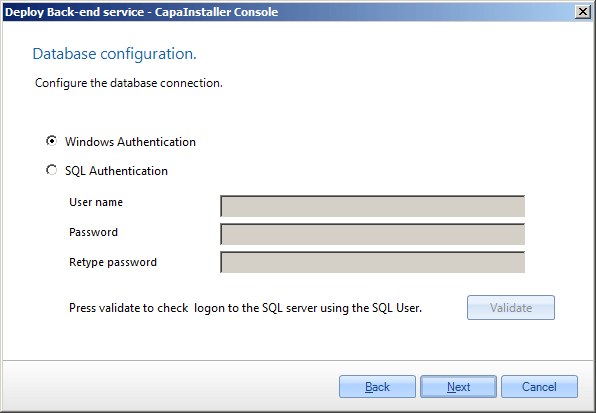
Select how the service connects to the database. Windows authentication is recommended, but you can also use SQL server authentication.
-
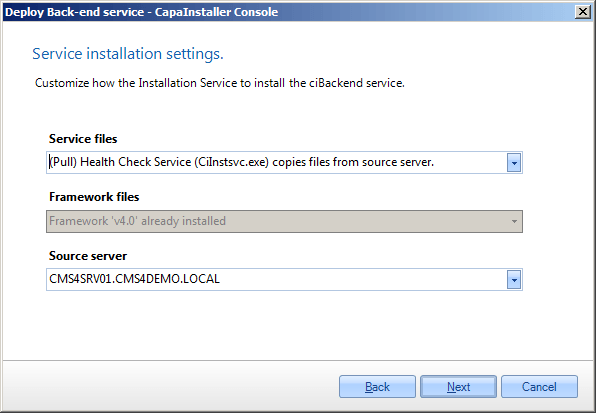
Select how the service files and the framework files are copied to the target server, and select the source server.
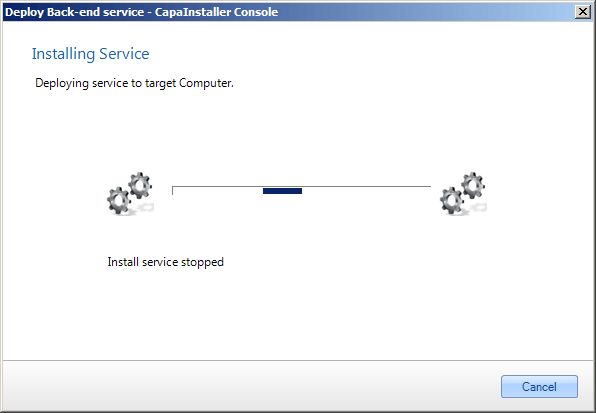
The Back-end Service is installed.
-
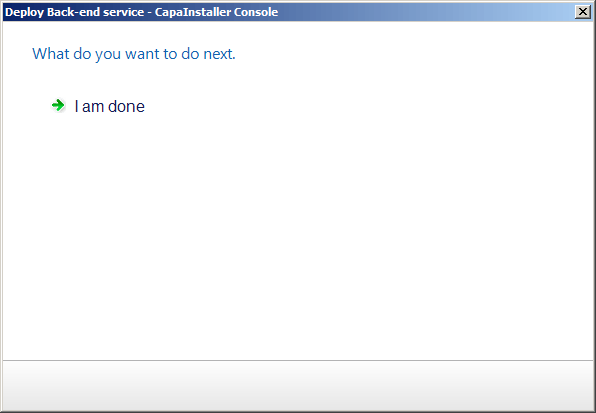
When the installation is completed, click I am done, or click Deploy another service. to start the wizard again.
The service appears under Services > Back-end Service in System Administration.