

iOS Wallpaper Profile
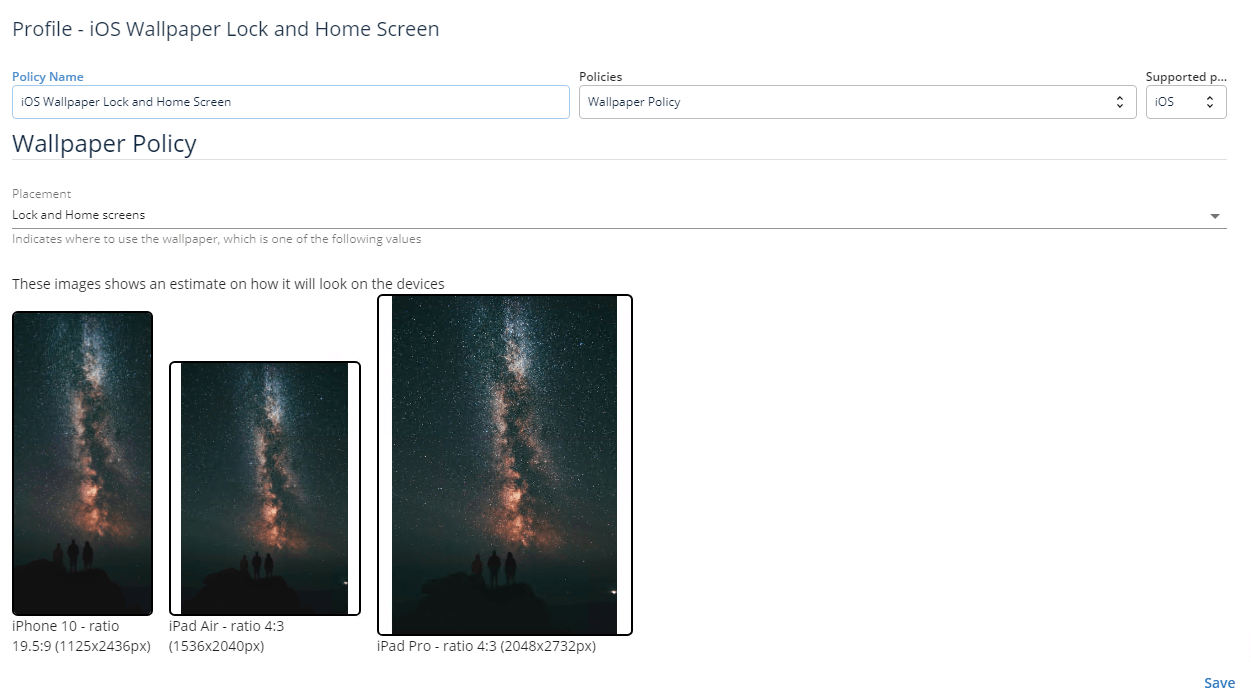
With this profile, you can set the wallpaper on the Home screen, the Lock screen, or both. If you want a different wallpaper on each screen, create a profile for each of them.
Create the profile on the MDM Portal
Section titled “Create the profile on the MDM Portal”-
Sign in to https://mdm.capaone.com.
-
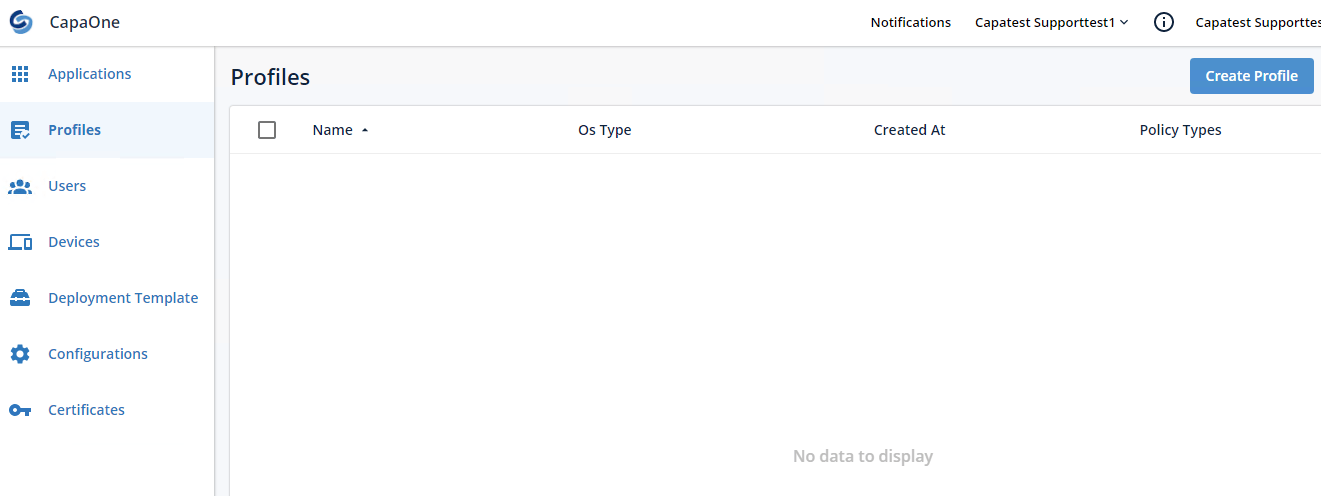
Select Profiles and click Create Profile.
-
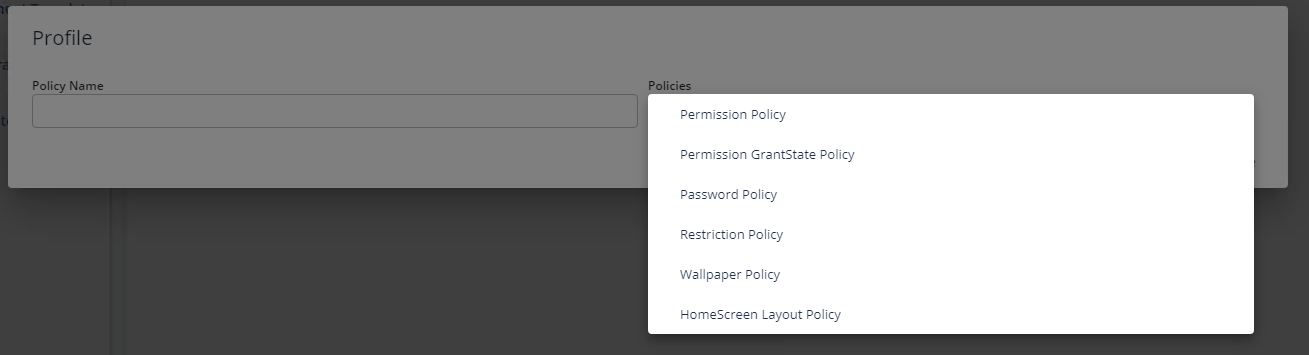
Click the Policies field and select WallPaper Policy.
-
Click the Supported Platforms field and select iOS.

-
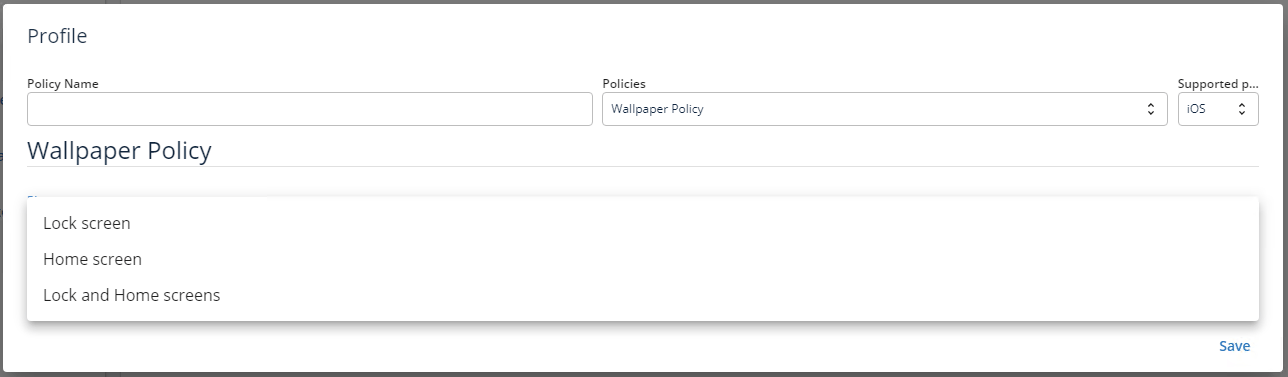
Click Placement and select where the wallpaper is shown.
-
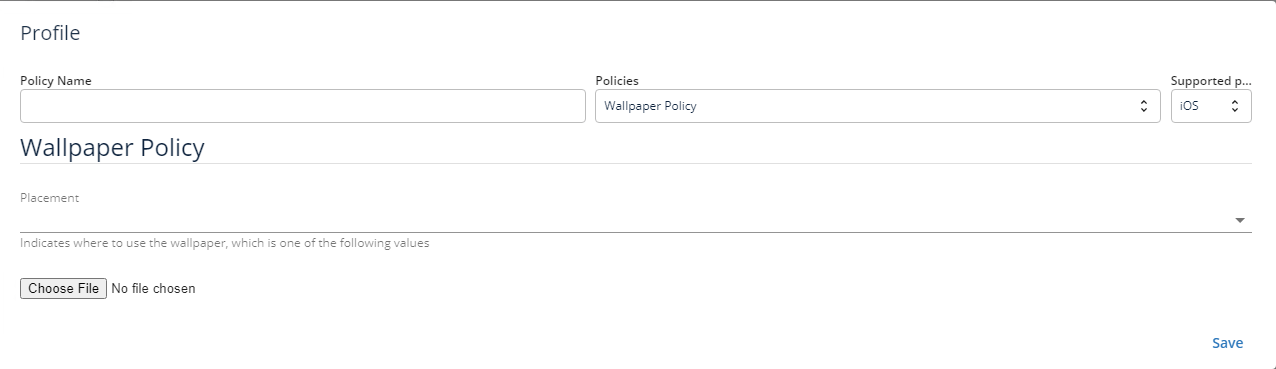
Click Choose File.
-
Browse to and select the image file. Name the profile and click Save.
Import the profile in the console and link it to a device
Section titled “Import the profile in the console and link it to a device”- In the CapaInstaller Console, right-click Profiles in the root Configuration Management Point and select Import from CapaOne….
- Select the wallpaper profile, enter a change description, and click OK.
- Link the imported profile to the devices or groups that should get the wallpaper, like any other profile.
For more information about importing, see CapaOne Profiles.