

Assign profiles/applications to a Business Unit
The following is a description of how to assign profiles and applications to business units.
The Buffer
| Step | Action |
| 1 | Locate the profile/application, right-click it, and select ‘Add to buffer’. |
| 2 | Locate the business unit, right-click it, and select ‘Assign Profiles/Applications’, or use the shortcut Ctrl+G with the business unit selected. 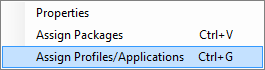 |
| 3 | Enter an optional comment and confirm the operation. 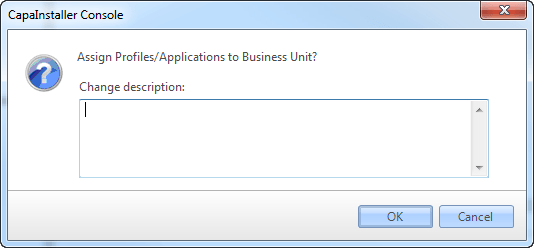 |