

Configuration management point properties
From Configuration Management Point Properties you can view details for where the Point is placed.
You can also change its name, icon, and description.
General
Section titled “General”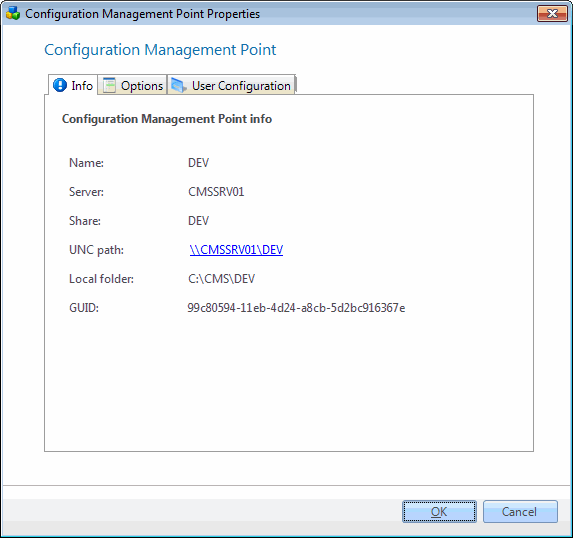
| Element | Description |
| Name | The name of the Configuration Management Point. |
| Server | The name of the server where the share resides. |
| Share | The share name. |
| Uncpath | The UNC path to the Point. Clicking on the text will bring up an explorer to the path. |
| Local folder | The full path to the folder on the local server. |
| GUID | Global Unique Identifier for the Management Point. |
Options
Section titled “Options”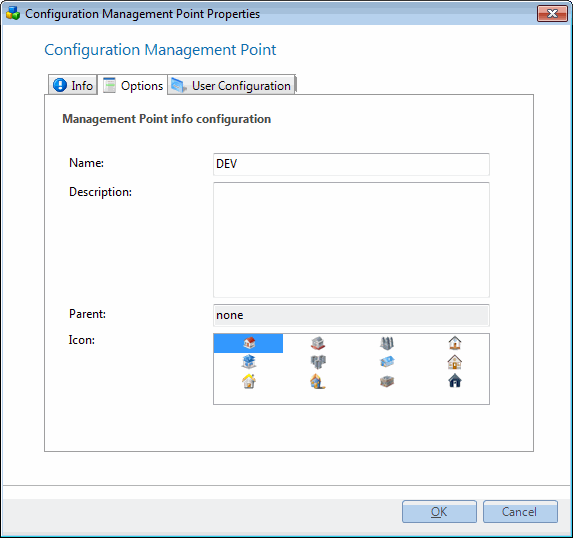
| Element | Description |
| Name | Editable name of the Management Point. Can be changed without any conflicts. |
| Description | A text describing the Management Point. |
| Parent | Name of the parent Management Point if such exists. |
| Icon | Select between the list of icons. The currently used icon is selected by default. |
| Change Description | A text describing the change you made to the Management Point. |
Management account
Section titled “Management account”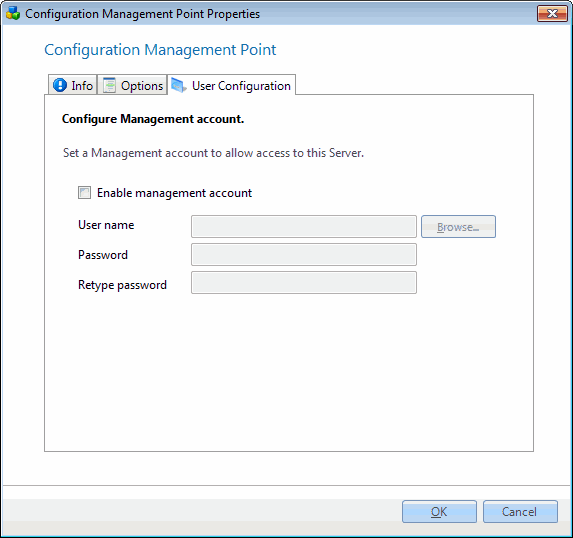
| Element | Description |
| Enable management account | Make CapaInstaller use the specified user account to access the Management Point |
| User name | Name of the account to use, specify any domain name required in the form domain\name or use UPN form |
| Password | Password for the account |
| Retype password | Retype the password for validation |