

Create a Security Group
Security groups control which units the members of a profile can see and manage. For background, see Security groups.
-
In System Administration, expand Security Management.
-
Right-click All security groups and select New….
-
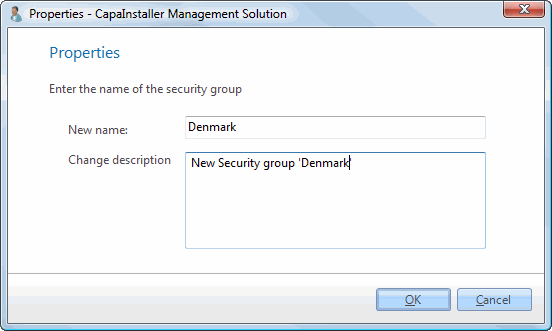
Enter a Name for the security group.
-
Optionally, enter a Change description for the changelog.
-
Click OK.
The security group appears under All security groups. Next, link profiles and units to it. See Link Security Groups.