

Export a package
When you export a package, it’s saved as a zip file in a folder you choose. You can import the zip file on another Configuration Management Point or in another CapaInstaller installation.
Export the package
Section titled “Export the package”-
In Configuration Management, right-click the package and select Export…. To export several packages at once, select them in the content view first.
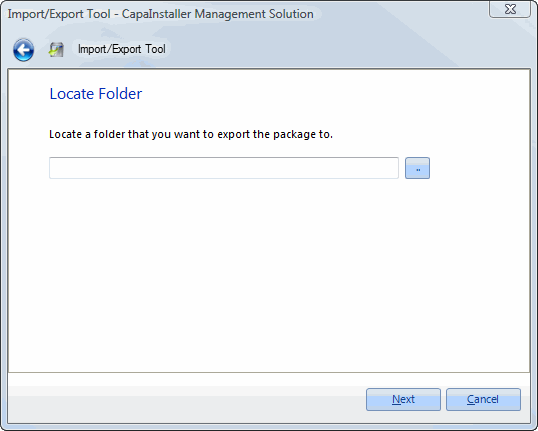
The Import/Export Tool opens on the Locate Folder page.
-
Enter the folder, or click the browse button and select it.
-
Optional: select Override if file exists to replace existing zip files in the folder.
-
Click Next.
-
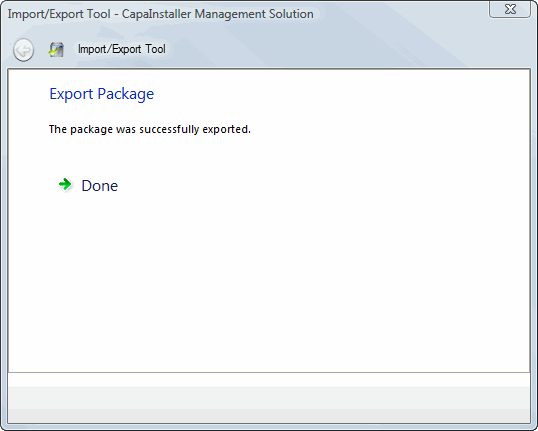
When the export has finished, click Done.
Packages that are locked by another process or service at the time of the export are skipped. The console tells you how many packages were skipped.