

Create a Patch Management child point
Creating the child point creates it in both the CapaInstaller database and on the WSUS server. On the WSUS server, the child point is named with its name and a unique identifier (GUID), for example Production_2B1DD962-A2E3-4359-ABC7-B127C8DBCB15.
-
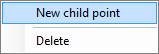
Right-click the root point and select New child point. You can also select the root point and then select File → New….
-
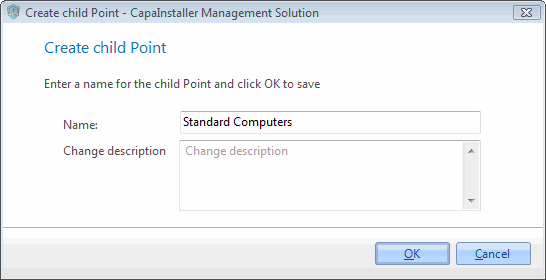
Enter a name for the child point.
-
If necessary, write a change description.
-
Click OK to create the child point.
-
When you’re asked whether you want to select categories and classifications now, click Yes to select them right away, or No to do it later. See Categories and Classifications.
The child point appears below the root point in the tree view.
Related tasks
Section titled “Related tasks”| If you want to… | You can… |
|---|---|
| Create root point | Create a Patch Management root point |
| Create groups | Create a Patch Management Group |
| Define approval rules | Approval rules |
| Re-create point | Re-create Patch Management Point or Group |