

Create a startup logon view
The following is a description of how to create a startup or logon view in Configuration Management.
| Step | Action |
| 1 | Open Configuration Management → Views, right-click Startup/logon and select Add…. |
| 2 | Type a name and description 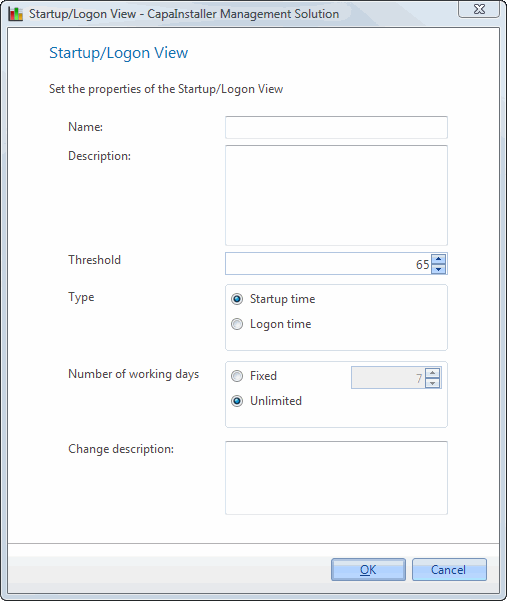 |
| 3 | Select a threshold specifying what average startup or logon time computers must have in order to be shown in the view. This is specified in seconds. |
| 4 | In Type, select Startup time or Logon time. |
| 5 | In Number of working days, select Fixed and enter the number of days of data the average startup or logon time is based on. Unlimited will cause the calculation to be based on all startup/logon data available on the computers. |
| 6 | Type a change description and click OK |