

Mobile Device Management Service
This page describes the settings of the Mobile Device Management (MDM) Service. To open the settings, right-click the MDM Service in System Administration and select Service settings…. The dialog has the tabs General, Configuration, MDM agreements, and Allowed Domains.
The MDM Service depends on a Front-end Service and a Back-end Service. It gets its configuration from the Back-end Service, so it has no Database tab.
General
Section titled “General”This tab resembles the property page of the service in Services in Windows.
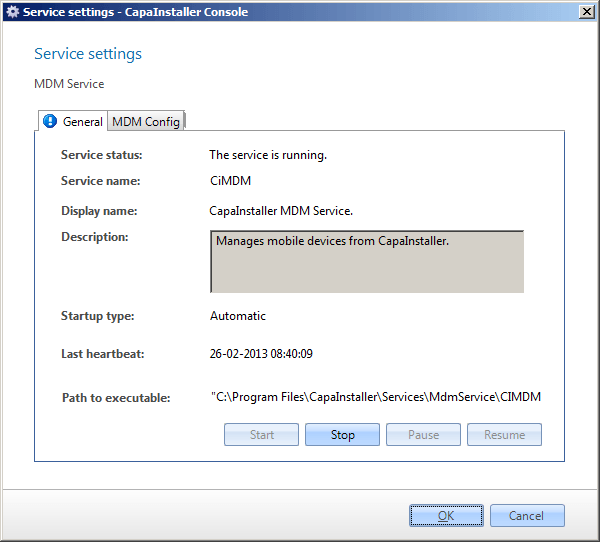
| Element | Description |
|---|---|
| Service status | Status of the MDM Service, as shown in Services in Windows. |
| Service name | The name of the service used by the operating system. |
| Display name | The name shown in Services in Windows. |
| Description | Description of the service. |
| Startup type | Automatic, manual, or disabled. The default value is automatic. |
| Last heartbeat | The time of the last heartbeat from the service. |
| Path to executable | The full path to the program that the service starts. |
Configuration
Section titled “Configuration”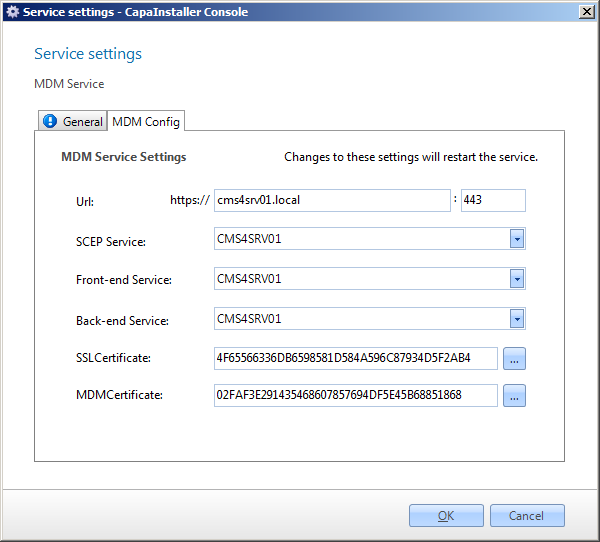
| Element | Description |
|---|---|
| Public URL | The URL that devices use to connect to the service. |
| Public port | The port the service listens on. |
| Organization Name | The organization name shown on managed devices. |
| SSL Certificate | The certificate that secures the communication with the devices. Click the browse button to select it. |
| SCEP Service | The SCEP endpoint that the service uses to enroll devices. You can’t change this value. |
| Front-end Service | The Front-end Service that the MDM Service uses. |
| Back-end Service | The Back-end Service that the MDM Service gets its configuration and data from. |
| Apple iOS Support, Apple MacOS Support | Enables management of Apple devices. |
| Android Support | Enables management of Android devices. |
| Windows Desktop Support, Windows Phone Support | Enables management of Windows devices. |
| Windows Phone TLS port | The TLS port used for Windows devices. The field is available when Windows support is enabled. |
| ChromeOS Support | Enables management of ChromeOS devices. |
MDM agreements
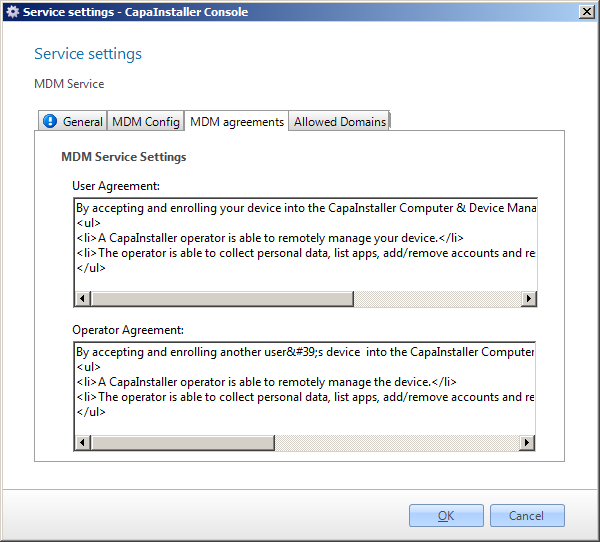
Section titled “MDM agreements”On the MDM agreements tab, you change the texts shown when a device is enrolled.
| Element | Description |
|---|---|
| User Agreement | The text shown to a user who enrolls a device. |
| Operator Agreement | The text shown to an operator who enrolls a device. |
Allowed Domains
Section titled “Allowed Domains”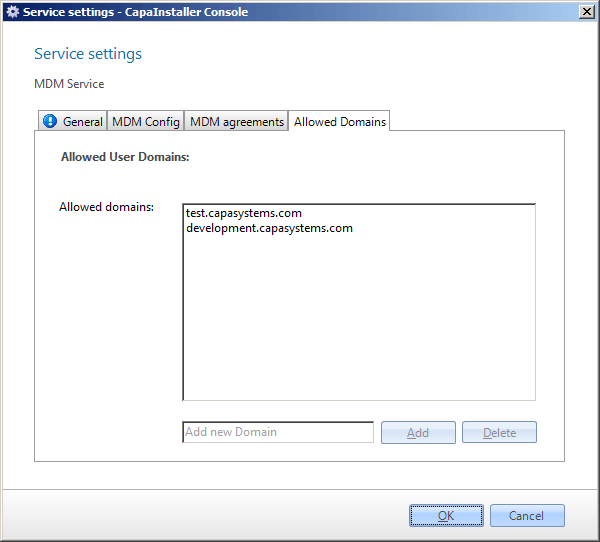
| Element | Description |
|---|---|
| Allowed User Domains | The list of domains that users can belong to when they enroll devices. Use Add and Delete to change the list. |
Read more
Section titled “Read more”- Deploying an MDM Service
- Guidelines for setting up MDM Service certificates: Certificate handling in CapaInstaller
- Running the MDM service on a server that also runs IIS: Make the MDM Service Work Together with IIS