

Configuring the PXE Service
This section will guide you through the deployment of an OS Deployment Service.
The OS Deployment Service is needed to support UEFI Boot, and it takes over from ciboot on legacy boot.
The OS Deployment Service cannot run at the same time as ciboot, and the OS Deployment service will stop ciboot when started.
| Step | Action |
| 1 | Select the PXE service to install |
| 2 | 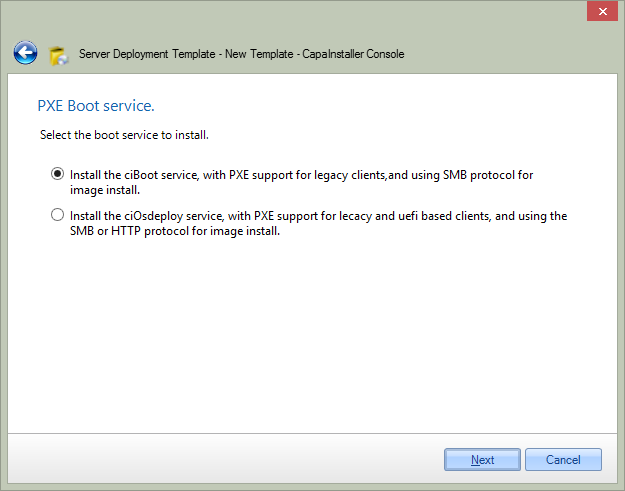 Select the PXE Boot service to install. - ciBoot service, which supports only legacy PXE clients. Continue with step 3. - ciOsdeploy service, which supports legacy and UEFI clients and uses HTTP or SMB for client communication. Continue with step 5. |
| 3 | Install the CiBoot service. |
| 4 | Configure the service. The default setting supports the most common devices 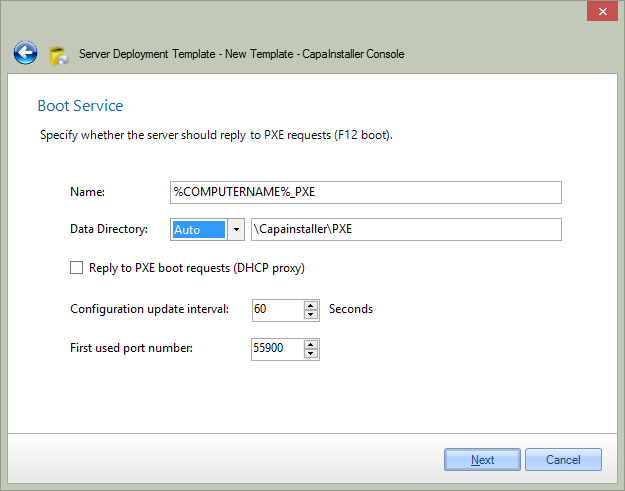 |
| Continue with step 11. | |
| 5 | Install the OsDeploy service |
| 6 | Make sure that the required prerequisites are met. If they are not, you are able to click the status link to create the missing requirements. 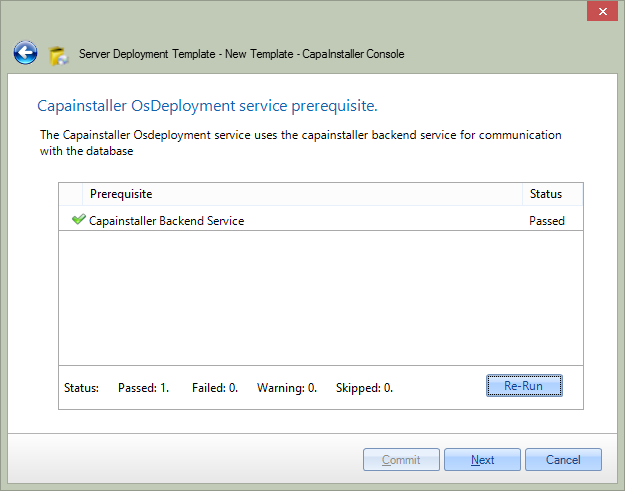 |
| 7 | Choose the configuration needed for the Service 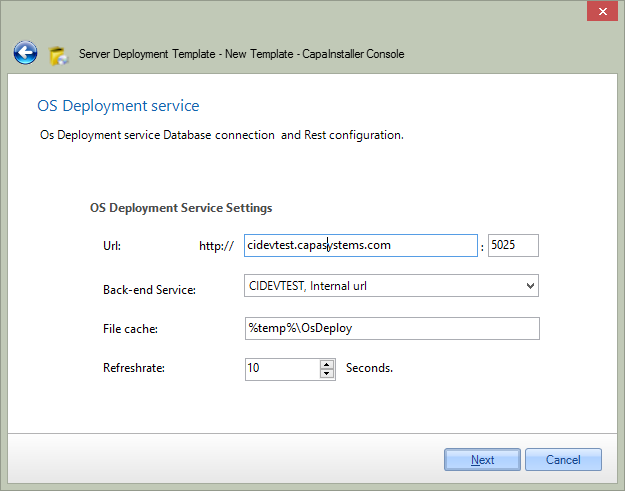 |
| 8 | Create a PXE server, and start replying to DHCP requests. 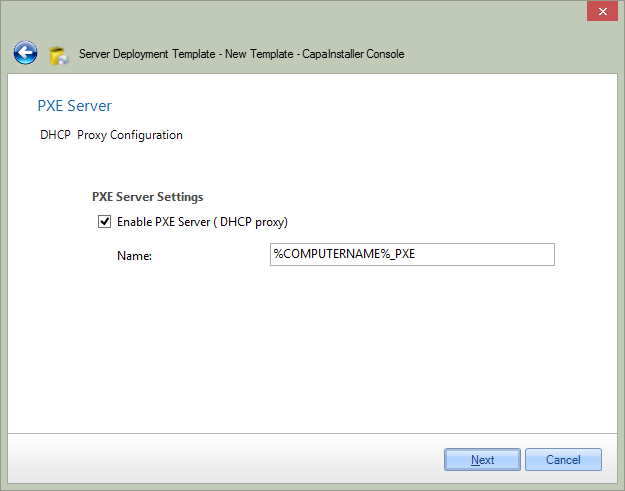 |
| 9 | Configure the TFTP daemon 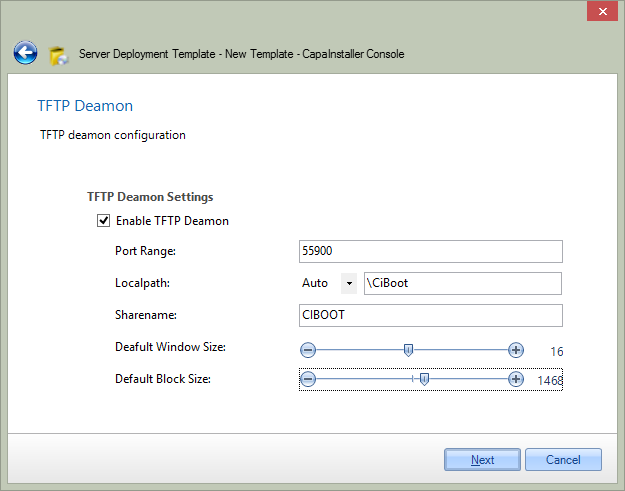 Port Range: Start port number of the Port Range used by the TFTP Protocol Local path: is the local path to the boot folder where the PXE boot files are located Window Count: The number of blocks sent before the service expects an acknowledgment from the client. BlockSize: Is the size of the blocks sent from the service to the client. These can increase the speed of transfer, but some devices do only support one block size and low window count. |
| 10 | Associate with TFTP Profiles. 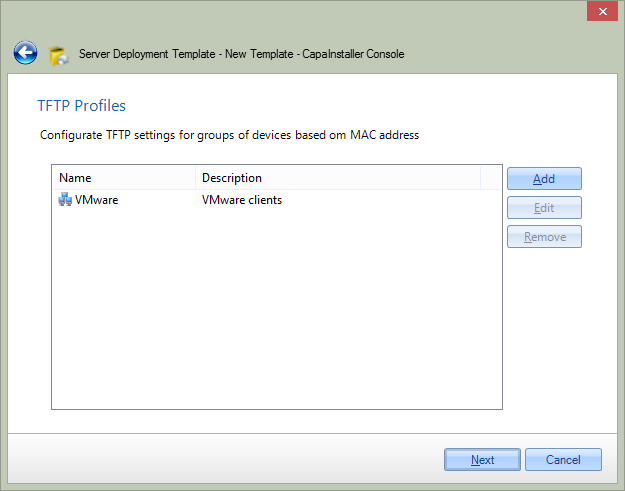 |
| 11 | Create PXE Boot menu’s and set CMS Integration. 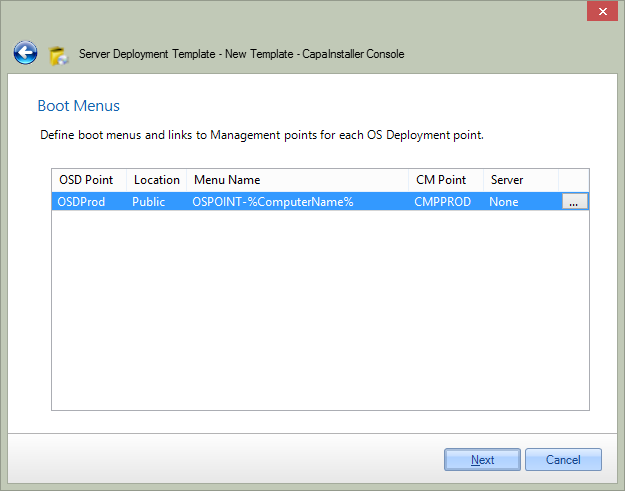 |