

Calendar groups
Calendar groups enable you to limit the hours and/or days during which the agent is permitted to run on clients. Each calendar group has schedule settings. These establish the permitted run times for the units that belong to the group.
Properties
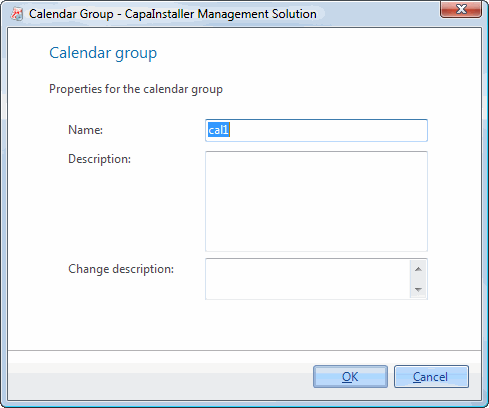
| Element | Description |
| Name | Name of the group. |
| Description | Description of the group. |
| Change description | A custom comment that will be added to the changelog. |
Right-clicking on a Calendar group brings the following possibilities:
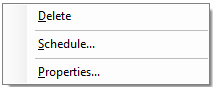
| Element | Description |
| Paste computers | Only shown when the unit buffer contains computers. Adds the computers to the group. |
| Delete a group | Opens the delete group form. |
| Scheduling | Opens the schedule form for the group. Will Schedule when the agent is permitted to run on clients in the Group. |
| Properties | Shows the properties for the group. |
Icons
| Element | Description |
 |
Calendar Group. |
 |
Calendar Group that has been scheduled. |