

Other devices
Introduction
Section titled “Introduction”The following is a description of the Other Devices folder in Asset Management. In the Unit view, the folder is called Other assets. Any device which is NOT a computer, printer, or mobile device, must be created as the Other device. This can be anything from routers, switches, cameras to chairs. For the other device, custom inventory can be entered manually.
The Other assets folder contains device types, such as Routers or Cameras. You create the devices under a device type.
Right-clicking on the Other assets folder will bring the following possibility:
| Element | Description |
| New device type… | Create a new device type. |
Right-clicking on a device type will bring the following possibilities:
| Element | Description |
| New unit… | This will create a unit of this device type. See Create a new computer. |
| Edit device type… | Opens the device type for editing. 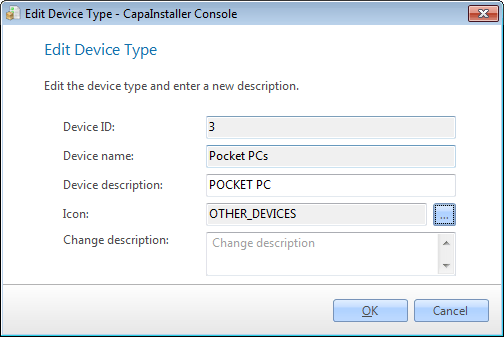 |
| Delete device type… | This will delete the device type. You can’t delete a device type that still contains devices. 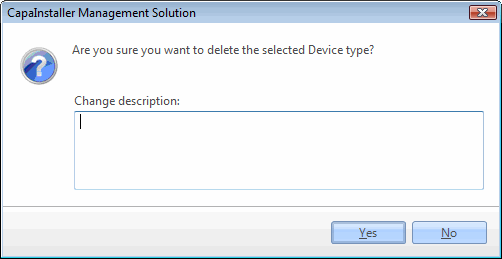 |
Right-clicking on a device will bring the following possibilities:
| Element | Description |
| Relations… | Work with relations: create links to other units. |
| Clear relations | Remove all relations from the device. |
| Rename device… | Here you can rename the device. 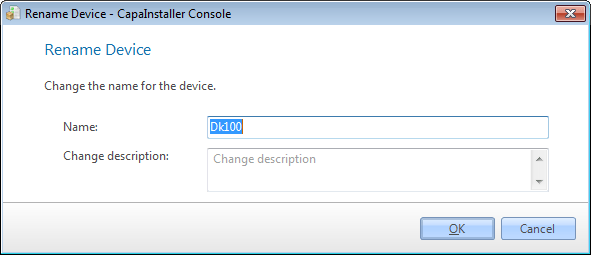 |
| Delete | Delete the device. |