

CapaOne Integration in Console
Connect the CapaInstaller Console to your CapaOne organization. The integration is required for CapaOne features in the console, such as CapaPacks and the CapaOne dashboard… menu item on devices.
Integrate CapaInstaller with CapaOne
Section titled “Integrate CapaInstaller with CapaOne”-
In the CapaInstaller Console, go to System Administration → Software Accounts → CapaOne.
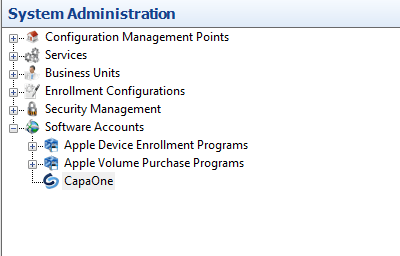
-
Right-click CapaOne and select Properties.
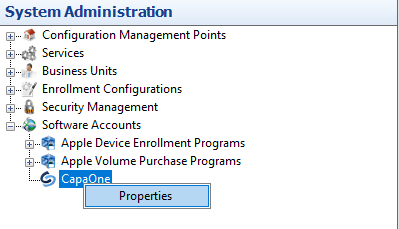
-
Click Update… and sign in with your CapaOne user ID and password.
-
Check that the dialog shows your Organization, Portal Access Token and OrgKey.
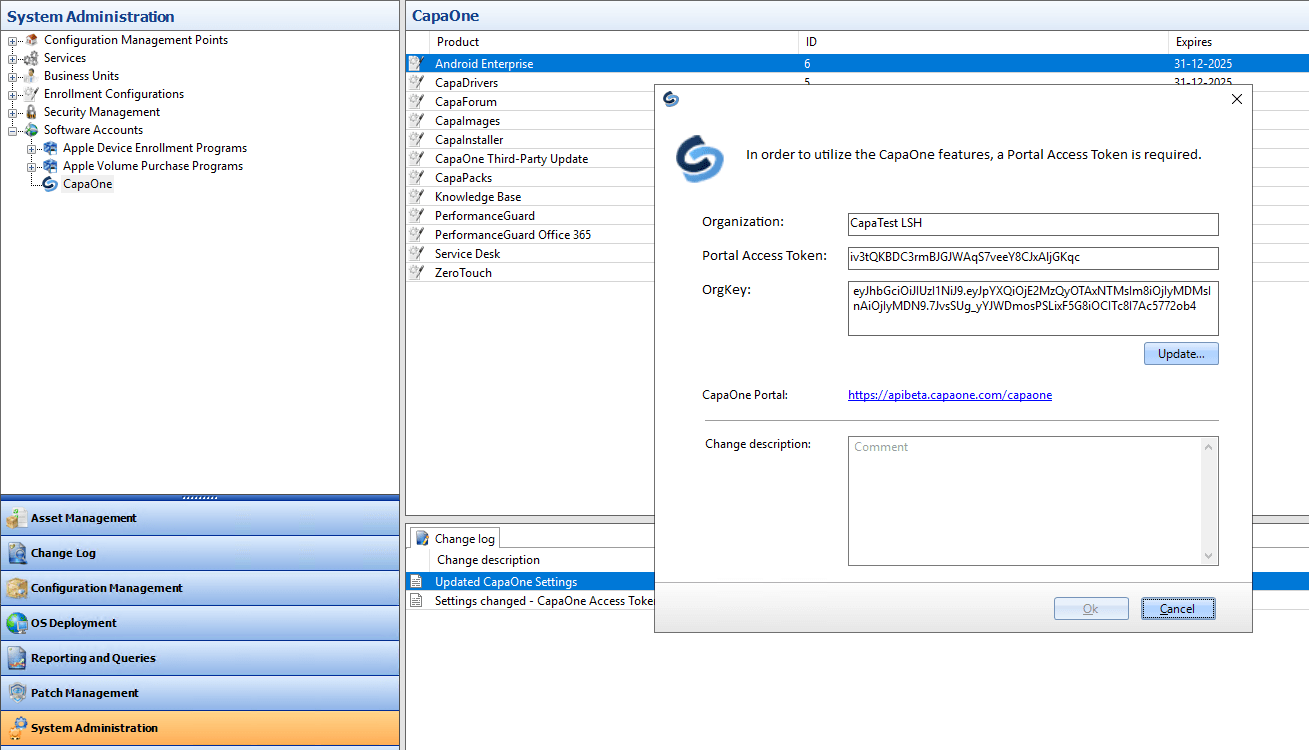
-
Optionally, enter a Change description for the change log, and then click Ok.
The CapaOne node in System Administration shows the connected organization.